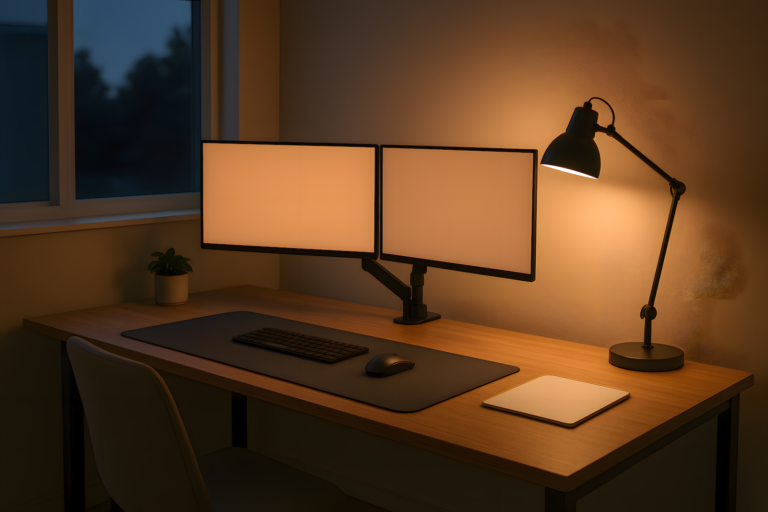
Your home office setup for remote work is either working for you or it is costing you output every single day. Most remote workers figure this out too late, after months of back pain, bad calls, eye strain, and a creeping sense that they are working twice as hard for half the result. The room is not neutral. Every component either adds friction or removes it, and the difference compounds across a full workweek.
This is not a checklist for someone setting up their first WFH situation. This is a map for someone who is already doing the work and suspects their environment is the weakest link in their output chain. If you have been remote for more than a few months and something still feels off, the problem is probably the setup, not you.
The Home Office Is Infrastructure, Not Decoration
The framing matters here. A home office is not a room you decorate to feel productive. It is a system you operate to produce output. Every piece of gear in it either earns its place or it does not. The desk, the chair, the lighting, the audio, the screens, the ambient noise — each layer interacts with every other layer. A bad chair creates posture problems that affect how long you can focus. Bad lighting creates eye strain that shortens your effective working hours. Bad audio costs you credibility on every call. None of these are comfort issues. They are output issues.
The remote workers who have a genuinely functional setup are not the ones who spent the most money. They are the ones who made deliberate decisions about each component and understood how the components connect. You do not need a premium everything. You need the right things in the right order, and you need to know which layer to fix first when something is not working.
The Chair Is the Foundation of Your Home Office Setup for Remote Work
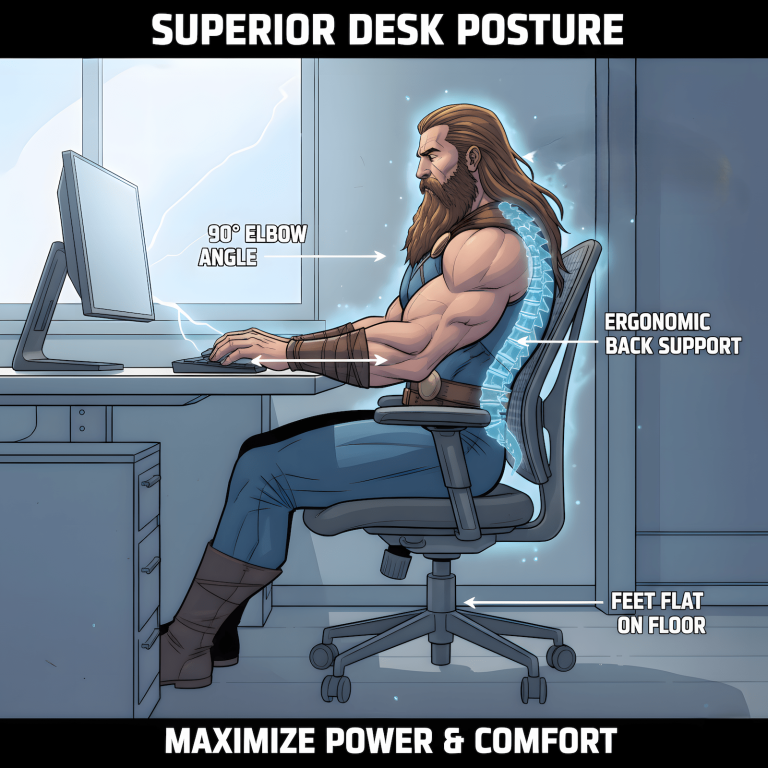
Every hour you spend at your desk runs through the chair. It is the one piece of gear that directly affects your posture, your circulation, your focus span, and your end-of-day energy level. Most remote workers either underspend on this and regret it, or overspend on gaming aesthetics and end up with a chair that looks aggressive and feels mediocre after four hours.
The decision is not as simple as “get an ergonomic chair.” Ergonomic is a marketing term at this point. What you actually need is adjustability that fits your body specifically: seat height, lumbar position, armrest height and depth, and seat pan depth if you are tall or short. A chair that fits someone else perfectly can wreck your lower back over a three-month period. The best ergonomic office chair under $400 is one that fits your body at your desk height, not one that scores well in a roundup.
If you are using a gaming chair for remote work, the tradeoffs are worth understanding before you commit. The comparison between gaming chairs, office chairs, and ergonomic chairs is not straightforward, and the right answer depends heavily on your body type, your hours, and whether you are switching between work and gaming at the same desk.
Your Desk Determines How You Work
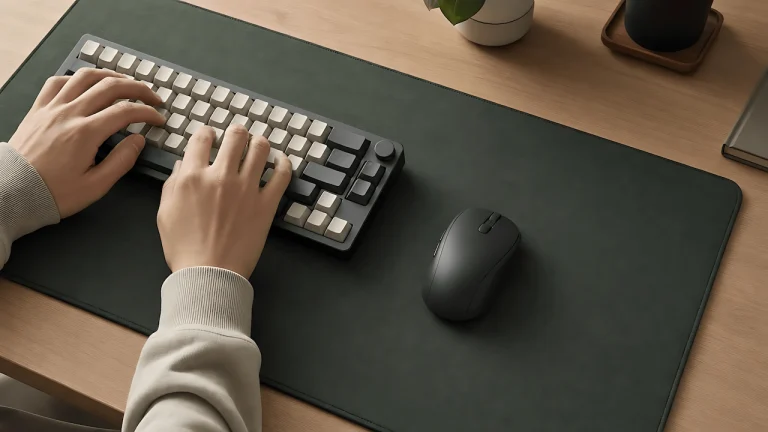
The desk sets the parameters for everything else. Its height determines your arm position, which affects your shoulder tension, which affects how long you can type without fatigue. Its surface area determines whether you can run a functional screen configuration or spend half your day shuffling things around. Its depth determines how far your monitors sit from your face, which affects eye strain more than the monitors themselves.
The gaming desk versus office desk versus standing desk question is one of the most searched topics on this site, and the most common mistake people make is treating it as a brand choice rather than a functional one. The real question about a gaming desk for work is not whether gaming desks are good. It is whether the desk you are considering has the surface depth, cable management, and height range your specific setup requires. A full breakdown of how gaming desks, office desks, and standing desks compare for remote work covers the functional tradeoffs without the brand noise.
One point worth making directly: a standing desk is only useful if you actually use it standing. If you buy one and keep it at sitting height for eleven months, you spent standing desk money for a sitting desk. Buy the desk that matches your actual behavior, not your aspirational behavior.
Lighting Is the Most Overlooked Layer
Remote workers spend significant money on chairs and monitors and almost nothing on lighting, then wonder why they feel exhausted by mid-afternoon. Lighting affects eye strain, video call quality, mood regulation, and how long you can sustain focus. It is the cheapest high-impact upgrade most people skip.
The two problems to solve are independent. First, ambient light it’s the general illumination level in your workspace. It needs to be bright enough that your screens are not the only light source in the room. Staring at a bright screen in a dim room is one of the fastest ways to accelerate eye fatigue. Second, directional light for calls correctly positioned so your face is evenly lit from the front, not backlit by a window. A full breakdown of how to approach your remote work lighting setup at home covers both layers without requiring you to buy a ring light that makes you look like a beauty influencer.
Natural light is good. Natural light behind your monitor is a problem. If your desk faces a window, your camera sees you as a silhouette on every call. Reorienting the desk or adding a front fill light fixes this faster than any monitor adjustment.
Audio Quality Is a Professional Signal
Your audio setup is the one part of your home office that other people judge directly. A bad microphone on a call communicates something about how seriously you take the work, whether that is fair or not. Background noise bleeds through and forces people to compensate, which means they are spending cognitive energy filtering your audio instead of processing what you are saying. Over time this creates friction in every remote collaboration you are part of.
The noise floor of your home office is the baseline ambient sound level your microphone picks up when you are not speaking. Air conditioning, fans, street noise, and room reverb all contribute to it. Most people do not think about noise floor until someone on a call tells them there is noise in their line. By then it has been affecting every call they have made from that space. Getting your noise floor under control is an acoustic problem, not a gear problem, and it is solvable without soundproofing an entire room.
On the gear side, a dedicated home office audio setup does not require a podcast studio. The gap between laptop microphone audio and a decent standalone microphone is significant enough that it changes how people perceive your input on calls. The investment is modest relative to the daily professional impact.
Screen Setup and Cognitive Load
More screens do not automatically mean more productivity. This is one of the most persistent myths in the remote work gear conversation, and it is worth addressing directly. A multi-monitor setup introduces a cognitive switching cost that most people do not account for. The multi-monitor productivity trap is real: having more screen real estate encourages context switching rather than focused output, and context switching is expensive regardless of how fast you are at doing it.
The right screen configuration depends on the type of work you do. If your work requires reference material alongside your primary working document, a second screen earns its place. If your work is primarily single-task, a second screen may be adding distraction more than it is adding capability. Remote work screen fatigue is also a function of screen brightness, refresh rate, and viewing distance, none of which are solved by buying a bigger monitor. The distance from your eyes to your screen is the single most impactful variable, and most people have their monitors six inches too close.
The Gear That Actually Moves the Needle
Beyond the major components, there is a layer of supporting gear that either makes the setup coherent or undermines it. This is where most remote workers make their worst purchasing decisions, buying things that feel productive to own rather than things that solve an actual problem.
The remote work gadgets and essentials worth investing in are the ones that reduce friction on a daily recurring basis. A good cable management system matters more than a monitor arm with seventeen adjustment points. A USB hub positioned where you actually plug things in matters more than a wireless charger you never use. Home office gear that actually works is usually less interesting than the gear that gets photographed for setup posts, but it is the difference between a workspace that flows and one that creates small irritations dozens of times a day.
If you are building or upgrading a setup with a specific budget in mind, mission-critical remote work gear identifies the components where spending less costs you more in the long run, and the components where the budget option is genuinely fine.
What a Functional Home Office Setup for Remote Work Actually Looks Like
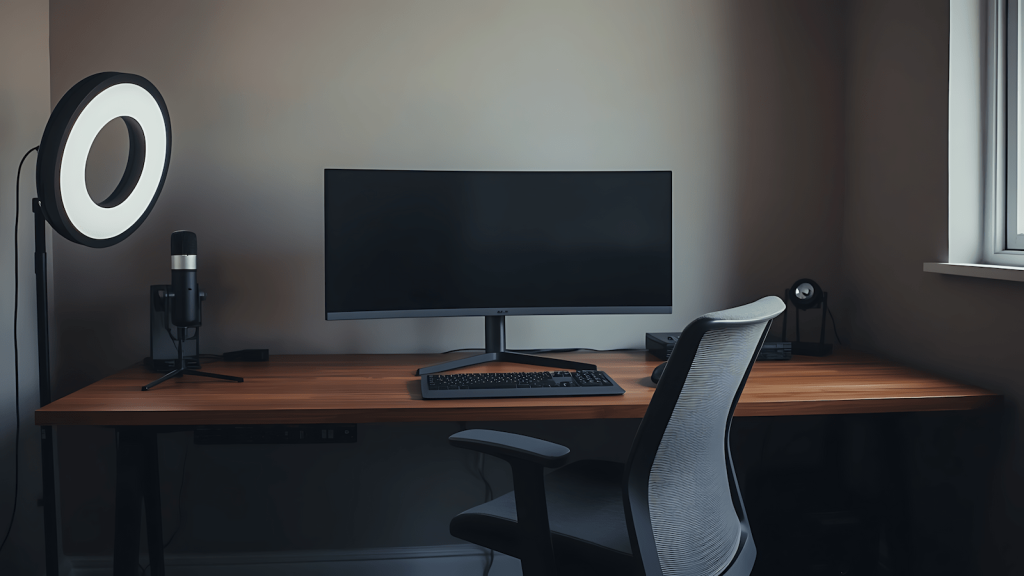
A functional home office setup for remote work is not a showroom. It is a workspace where every component has been chosen for what it does, not what it signals. The chair fits your body. The desk gives you the surface and depth your workflow requires. The lighting means you are not squinting at screens or appearing as a shadow on video calls. The audio means people can hear you without effort. The screen configuration matches the type of work you actually do, not the type of work you think looks impressive.
The order in which you solve these matters. Chair and desk come first because they set the physical parameters for everything else. Lighting and audio come next because they affect daily output and professional perception on a recurring basis. Screen configuration and supporting gear come after because they are optimizations on top of a working foundation, not substitutes for one.
This hub is the reference point for the home office setup cluster on this site. Each component links to a dedicated post that goes deeper on the specific decision. Use it as a diagnostic: if something in your setup is creating friction, start with the component that matches the problem, not with a full overhaul.
Remote work is an infrastructure problem. The workers who solve it perform better, stay in it longer, and stop blaming themselves for problems that were always environmental.