Some links on this page are Amazon affiliate links. If you choose to buy through them, RemoteWorkHaven may earn a small commission at no extra cost to you.
These links only appear where tools or setup gear naturally fit the topic. No paid placements. No brand endorsements.
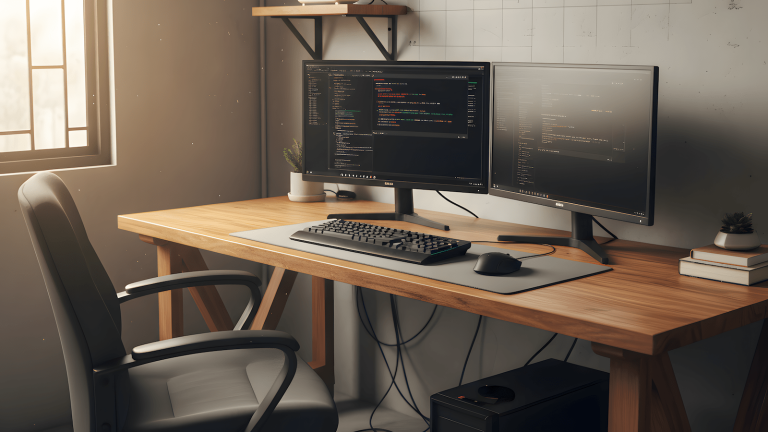
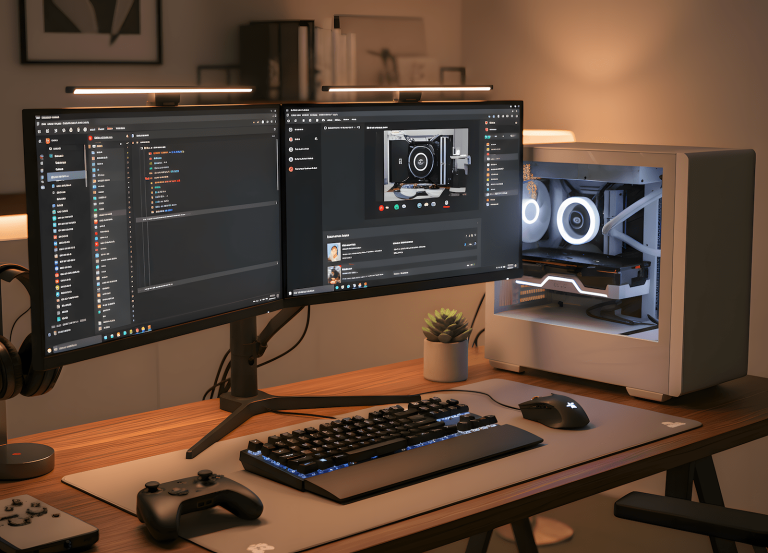
The desk comparison question gets answered badly almost everywhere because the answer depends entirely on what your workday actually looks like, not what category name appeals to you. Gaming desk, office desk, standing desk, those are marketing labels that describe the intended buyer, not the actual functional difference between the products. What matters is surface area, stability, height range, and whether the desk stops working against you after month three.
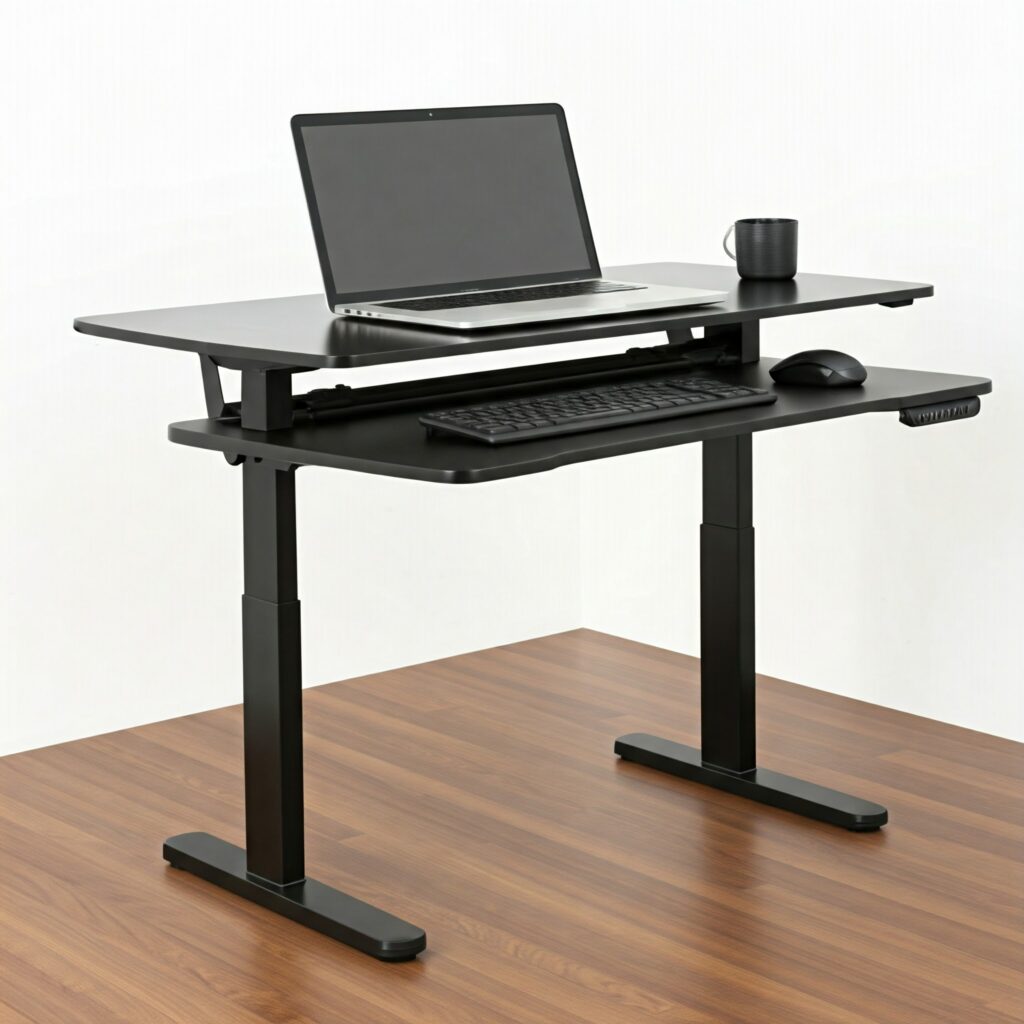
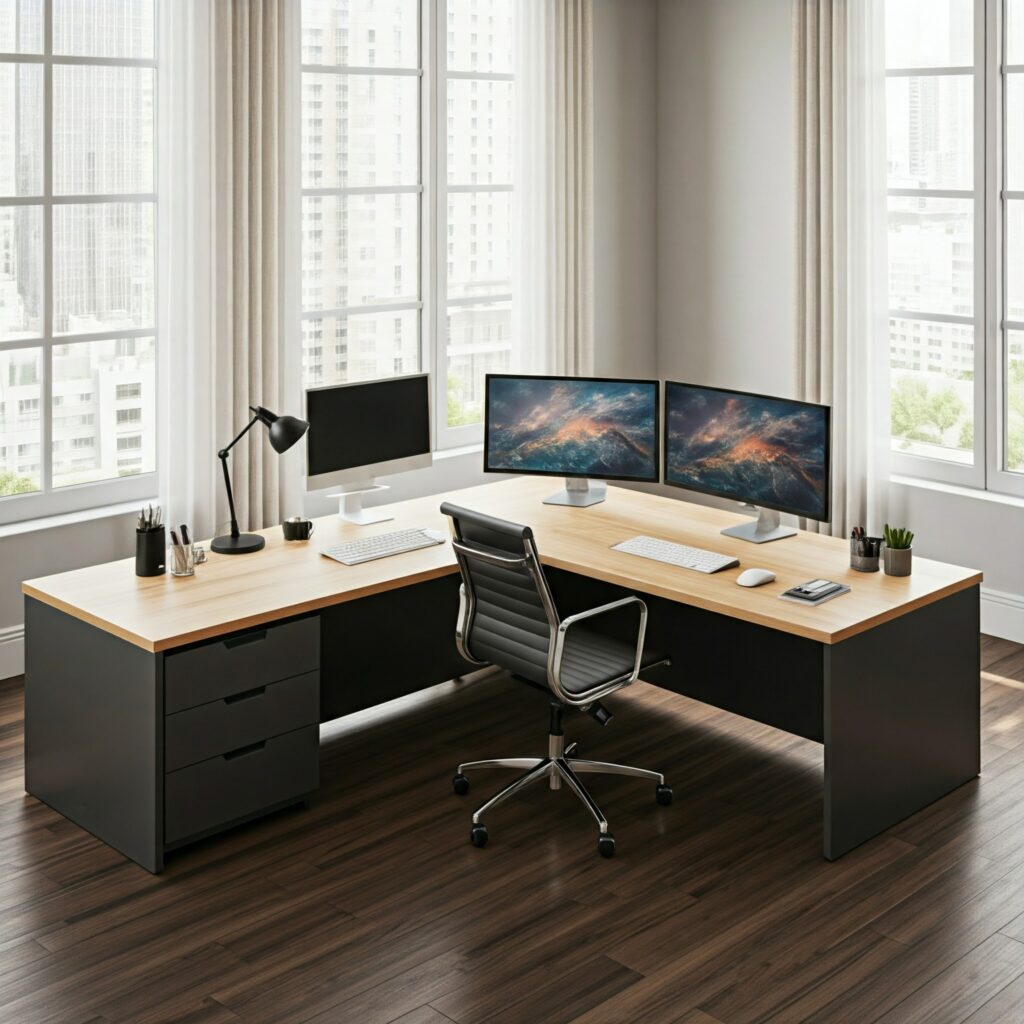
Here’s the honest breakdown by category and what to buy at each tier.
Gaming Desks: Built for Sessions, Not Shifts
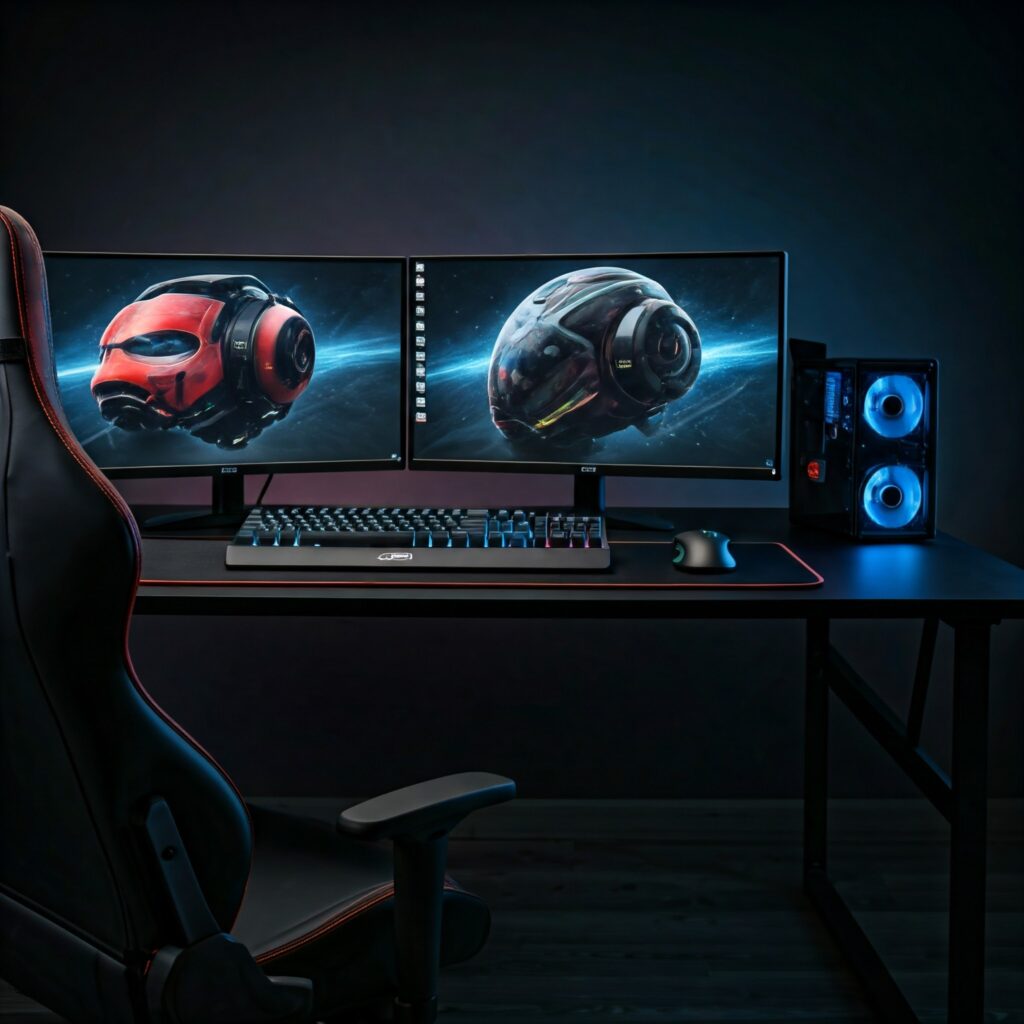
Gaming desks are optimized for focused sessions with clear start and stop boundaries. Wide surface, everything within reach, designed around a fixed sitting position with gear access prioritized. That design works well when your work genuinely behaves like a gaming session with defined blocks, natural breaks between them, a consistent posture throughout.
It breaks when your workday is a full shift. Eight hours of calls, writing, reading, and context switching is not a session. The arm-forward positioning that feels natural for gaming becomes fatigue after four hours of typing. The fixed height that works for your monitor at gaming distance may not work for your keyboard at typing distance. The desk was never designed to carry both simultaneously.
The Secretlab Magnus Pro is the exception in this category. It’s an all-steel surface with magnetic cable management built into the frame, height adjustment, and a build quality that holds up under daily use rather than just looking good in setup photos. If you want gaming aesthetics with actual structural integrity, this is the desk. Below this tier, you’re paying for the look.
For a gaming desk that doubles as a serious work surface without the premium price, the Flexispot E7L appears consistently in independent testing as one of the more honest options are stable under load, wide surface, and a frame that doesn’t wobble when you’re not gaming.
Office Desks: Boring Is Functional
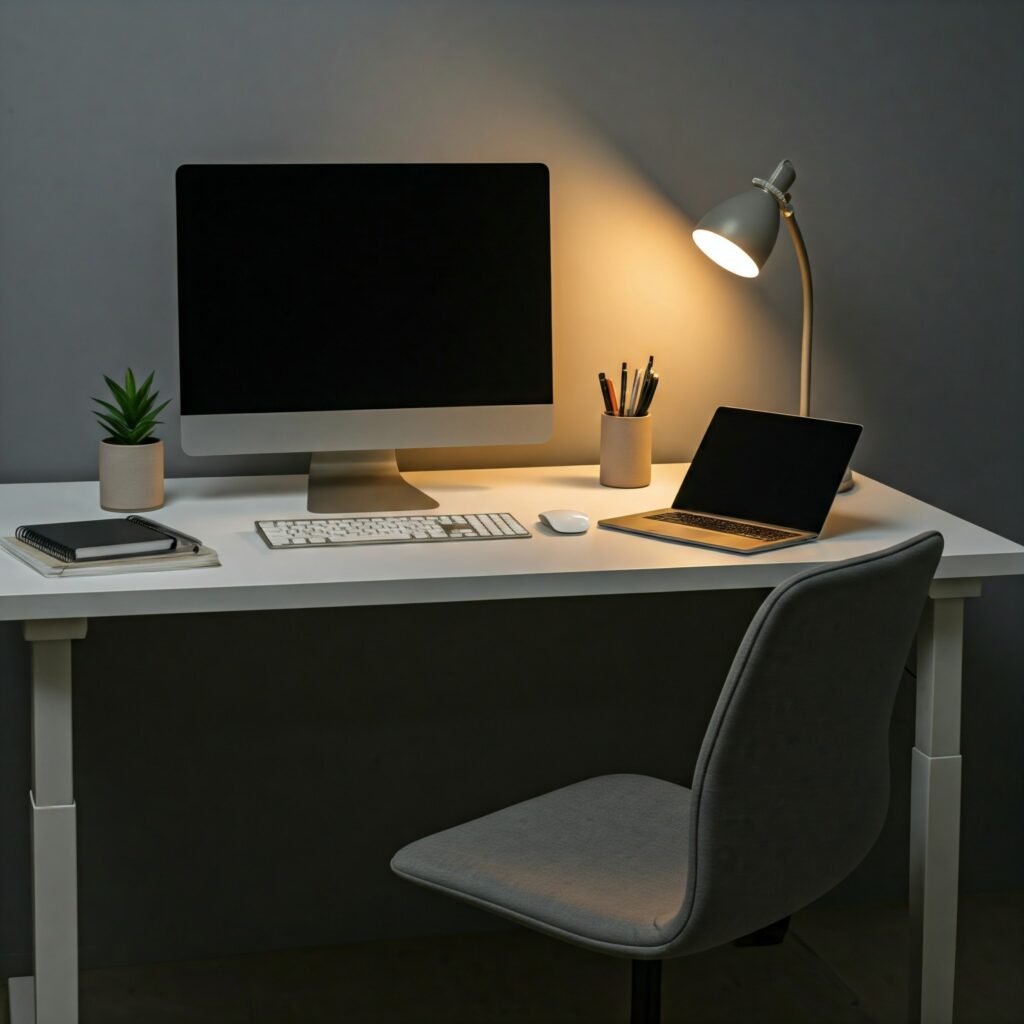
Standard office desks don’t try to impress you. They’re built to disappear into your workday. Fixed height, stable surface, neutral positioning that doesn’t push you into any particular posture. The lack of features is the feature. When the desk isn’t demanding attention, your attention stays on the work.
For remote workers who spend long hours on writing, calls, and sustained concentration, a stable fixed-height desk removes variables that a flashier option introduces. The surface doesn’t wobble when you type fast. The height is set once and stays there. There’s nothing to adjust, optimize, or troubleshoot.
The practical issue is that most people buying home office desks underestimate how much surface area they actually need. A 47-inch desk sounds adequate until you put a monitor, a keyboard, a mouse, and a notebook on it and realize there’s no room left. Minimum 55 inches for a single-monitor setup. 63 inches and above if you run dual monitors or have peripherals that stay on the surface.
Standing Desks: Load Balancers, Not Productivity Tools
Standing desks are sold as productivity upgrades. They’re not. They’re tools for breaking static posture cycles. The value isn’t in standing it’s that standing all day is just as problematic as sitting all day. The value is in being able to move between positions without friction throughout the workday. That transition, done consistently, reduces the physical fatigue that compounds over long sessions.
Used incorrectly, a standing desk becomes an expensive fixed desk with a motor. Most people stand for the first two weeks, return to sitting full-time by week three, and never use the height adjustment again. The desk didn’t fail. The habit did. If you’re going to buy a standing desk, you need a system for actually using it, not just the hardware.
The FlexiSpot E7 is the consistent benchmark for this category, stable under load, smooth motor, memory presets that make height switching fast enough to actually happen. It’s the standing desk that independent testers keep returning to as the best balance of price and performance. The FlexiSpot EN1 sits below it in price and is the budget entry point that doesn’t embarrass itself with a reliable electric adjustment, adequate stability for a single-monitor setup, good for buyers who want to try the category without committing to the E7’s price.
For standing desk buyers who run heavy multi-monitor setups or want the premium tier, the Uplift V3 is the current top recommendation from testers who’ve spent serious time on it. Fully customizable, rock-solid stability at any height, and a frame redesign over the previous version that makes assembly significantly faster. It’s the desk you buy when you know you’ll be at it for years.
The Fezibo electric standing desk is the honest budget option for buyers who just need basic height adjustment at a low entry price. It does the core job without extras. If you’re not sure whether you’ll actually use the height adjustment consistently, this is the tier to start at before committing more money.
The One Thing That Matters Before Any of This
Measure your desk height before you buy anything. Sit in your chair at your normal working posture and measure from the floor to where your forearms rest naturally. That number is your target desk height. If a fixed-height desk doesn’t land within an inch of that number, you’re going to spend your workday compensating with your shoulders, which creates fatigue that no chair or desk can fix downstream.
For standing desk buyers, add your standing elbow height to the target range and verify the desk’s height adjustment covers both numbers. Most quality standing desks cover a range from about 24 inches to 50 inches, which handles most body types. Verify before buying, not after.
A desk mat is worth adding regardless of which category you buy in. Hard surfaces create wrist and forearm fatigue over long sessions that you don’t notice until it’s been happening for months. A large desk mat is a low-cost fix that changes the daily experience more than most desk upgrades.