Most remote workers using AI are using it wrong not because the tools are bad, but because they are treating AI as a search engine replacement rather than a load-bearing part of their daily operation. The result is a workflow that feels busier than before, with more tabs open, more outputs to review, and less clarity about whether any of it is saving time. AI for remote work only pays off when it is integrated into a system, not installed as an app you try once and forget.
This post covers how a solo remote operator actually builds that system, what AI handles, what it does not, how local models change the economics, and where the integration with your work output actually matters.
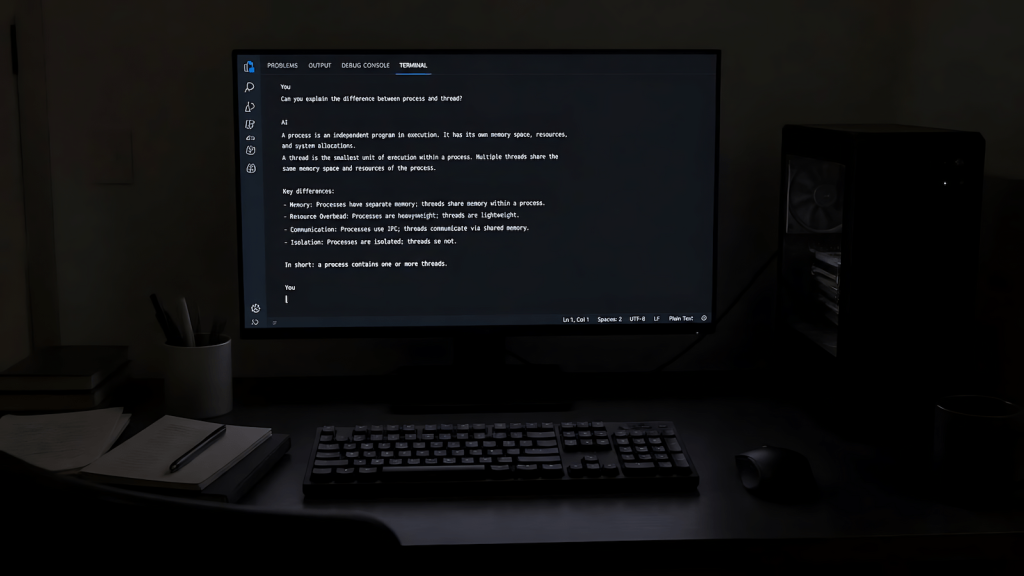
The Problem AI Is Actually Solving for Remote Workers
Remote work collapsed the support structure that offices provided without most workers noticing it happening. In an office, context is ambient: you overhear what your team is working on, you know when a deadline is real versus aspirational, you can read the room in a meeting without studying every face on a grid. Remote removes all of that and replaces it with text. Your entire professional existence becomes a series of written communications that you have to produce, track, and respond to with no environmental cues.
The cognitive load of that translation is what AI actually addresses not by making you faster at individual tasks, but by handling the mechanical conversion work that produces written output from structured input. Daily standups, end-of-day summaries, client-facing status updates, meeting notes turned into action lists, vague requirement documents turned into clarifying questions. These are not creative tasks. They are formatting and translation tasks, and they consume hours of a remote worker’s week that should be going toward the actual work.
The AI productivity paradox is real: workers who adopt AI tools often feel busier, not less busy, in the first months. The reason is almost always that they are adding AI to an existing workflow rather than redesigning the workflow around what AI can absorb. The efficiency comes from the redesign, not the tool.
Cloud AI vs Local AI: The Economic and Privacy Calculation
Cloud AI is the default choice for most remote workers and for most tasks it is the right one. The models are more capable, the interfaces are polished, and the integration with existing tools is straightforward. But for remote workers handling client data, proprietary workflows, or sensitive communications, the cloud model has a cost that does not appear on the invoice: every input is a data point that leaves your machine.
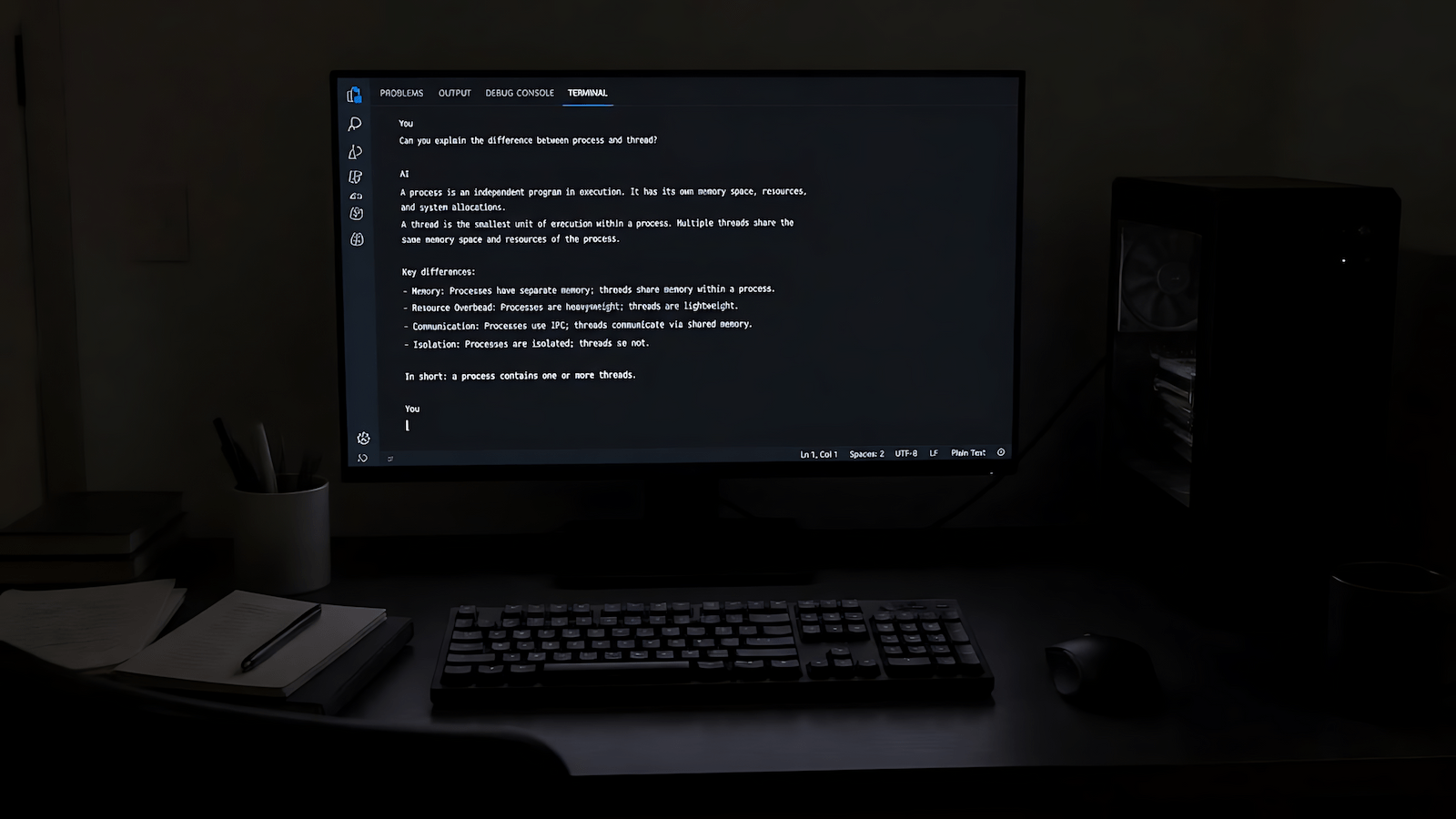
Local AI changes that calculation. Running a model like Mistral 7B or Qwen through Ollama on a consumer PC means your prompts, your client context, and your workflow logic stay on your hardware. The outputs are less polished than GPT-4 class models on complex reasoning tasks, but for the formatting and translation work described above — standups, summaries, status updates, SOP drafts — local models are more than sufficient. The full comparison of Ollama vs GPT4All and other local LLM options covers the tradeoffs in detail, but the short version is that a mid-range consumer GPU running a quantized 7B model handles most async remote work writing tasks without cloud dependency.
The economics matter too. Cloud AI subscriptions add up across a solo operation running multiple client engagements. A local stack running on hardware you already own has a marginal cost of electricity. For the best local AI models matched to your specific GPU, the selection depends on your VRAM more than your budget.
What AI Actually Handles in a Remote Work Operation
The categories where AI integration produces reliable daily value in a solo remote work context are narrow but consequential.
Async communication drafting is the highest-value category. Not writing emails from scratch, but converting raw notes, voice dumps, or bullet points into structured, professional-quality written output. A client asks a vague question, you dictate your actual answer in informal language, AI converts it to a reply that reads like it was composed rather than typed in five minutes before a call. The output still requires your review and approval but the drafting time drops from fifteen minutes to two.
Status and progress documentation is the second category. Remote workers who are not generating visible output records are at risk when headcount decisions happen — the discipline of remote work visibility is not optional in distributed teams. AI makes the daily documentation habit sustainable by reducing the time cost of producing it. A thirty-second voice note at the end of a work block becomes a structured EOD update in under a minute.
Structured output generation from unstructured input is the third category. Meeting notes become action items. Requirement documents become clarifying question lists. Vague feature requests become test coverage checklists. For workers with a QA or technical background, this is where AI starts to interact with actual professional output rather than peripheral administrative tasks. The shift from manual to AI-assisted testing workflows documents what this looks like in practice for QA-adjacent roles.
Building an AI Daily Workflow That Actually Holds
The difference between remote workers who get lasting value from AI and those who cycle through tools every few months is workflow architecture. A tool without a workflow is a subscription you pay for out of habit. A workflow without a tool is a process that takes longer than it should. The combination only works when the integration points are specific and the trigger conditions are defined in advance.
A workable AI daily workflow for a solo remote operator has four integration points. Morning context load: before any client-facing work, a two-minute prompt that pulls the current task list and generates a prioritized work block plan. Async drafting: any written output longer than three sentences goes through an AI draft pass before review. End-of-day documentation: a thirty-second voice note converted to a structured EOD update and filed. Weekly synthesis: all EOD notes from the week converted into a client-facing progress summary or internal sprint review.
These four touchpoints cover the administrative overhead of remote work without requiring the worker to change how they think about the actual work. The AI daily workflow breakdown on EAI goes deeper on how to set this up with specific tools and prompt structures.
The Setup That Makes Local AI Viable for Remote Work
Running local AI for remote work does not require a high-end workstation. A machine with 8GB of VRAM running a quantized Mistral 7B handles the async drafting and documentation tasks described above with acceptable latency for non-real-time use. The guide to running AI locally on a consumer PC covers the hardware baseline, model selection, and Ollama setup in detail.
The practical setup for a remote work operation looks like this: Ollama running locally with one or two models loaded, a simple prompt library saved as text files for the recurring task types, and a hotkey or workflow trigger that pipes input through the model and outputs to a clipboard or document. No subscription, no cloud dependency, no data leaving the machine.
For workers using n8n for workflow automation, the n8n plus Ollama local drafting pipeline shows how to automate the trigger and output routing so the AI integration runs in the background rather than requiring manual invocation. This is where the system starts to feel like infrastructure rather than a tool.
The home office environment matters here too. Local AI inference puts sustained load on your GPU, which affects thermal output and power draw. A home office setup that accounts for hardware load, ventilation, power delivery, desk layout is worth reviewing before running inference tasks continuously across a workday.
What AI Does Not Replace in Remote Work
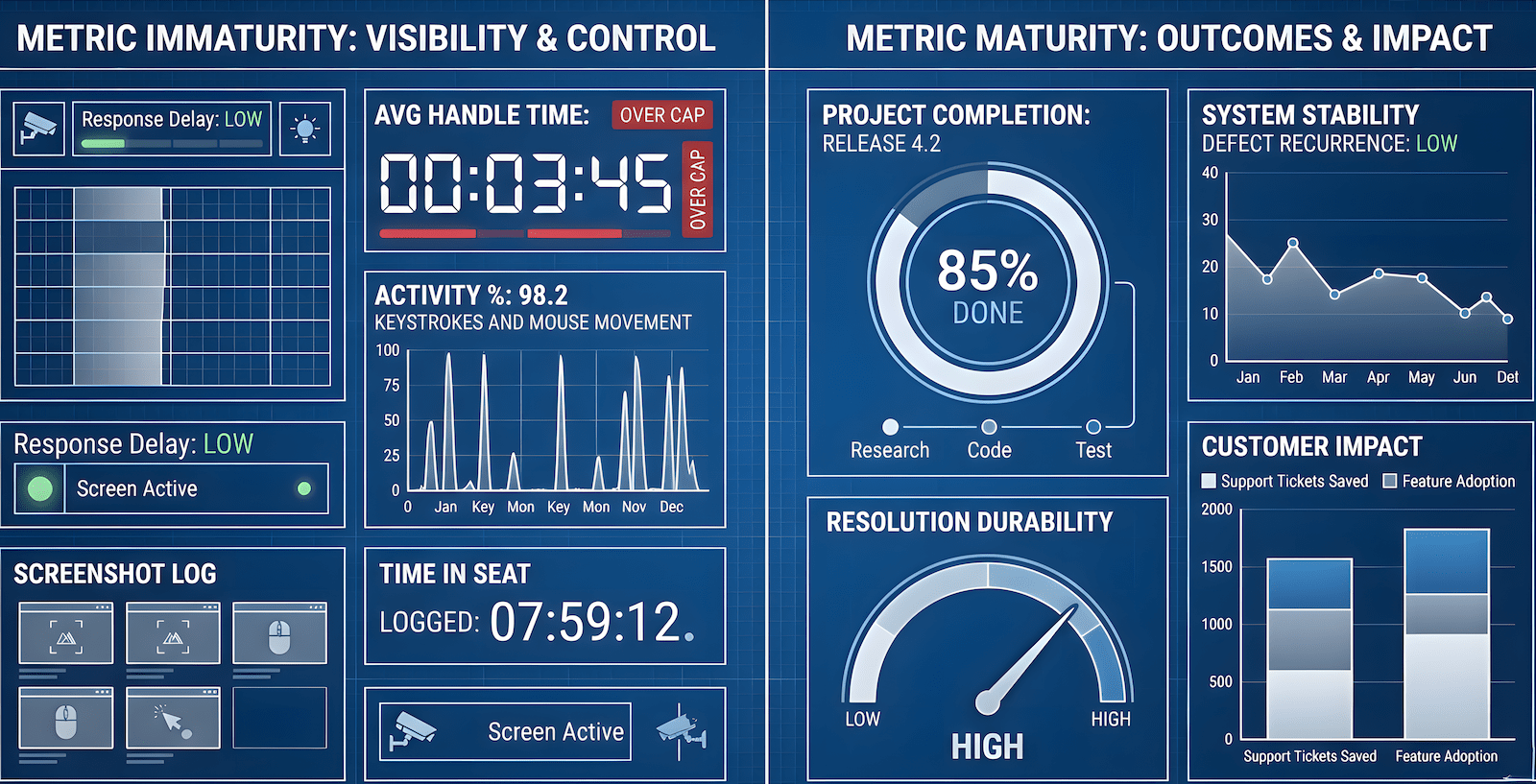
The visibility problem in remote work is not a communication volume problem. It is a signal quality problem. Managers of distributed teams are not struggling to receive enough messages they are struggling to read contribution from text alone. AI can help produce more structured output, but it cannot manufacture the judgment, responsiveness, and context-awareness that make a remote worker legible as a high-contributor.
The workers who appear most valuable in distributed teams are not the ones sending the most AI-generated updates. They are the ones whose output demonstrates genuine understanding of the problem, clear decisions under ambiguity, and consistent delivery against stated commitments. Remote workers who look busy versus those who are actually productive are distinguishable even when both are using the same tools. AI amplifies the signal of someone who already has something to say. It does not generate the signal for someone who does not.
The practical implication is that AI integration in a remote work context is most valuable for workers who already have a functional remote discipline and are looking to reduce the administrative overhead of maintaining it. For workers who are still building that foundation, adding AI tools before the discipline is in place creates more noise, not less.