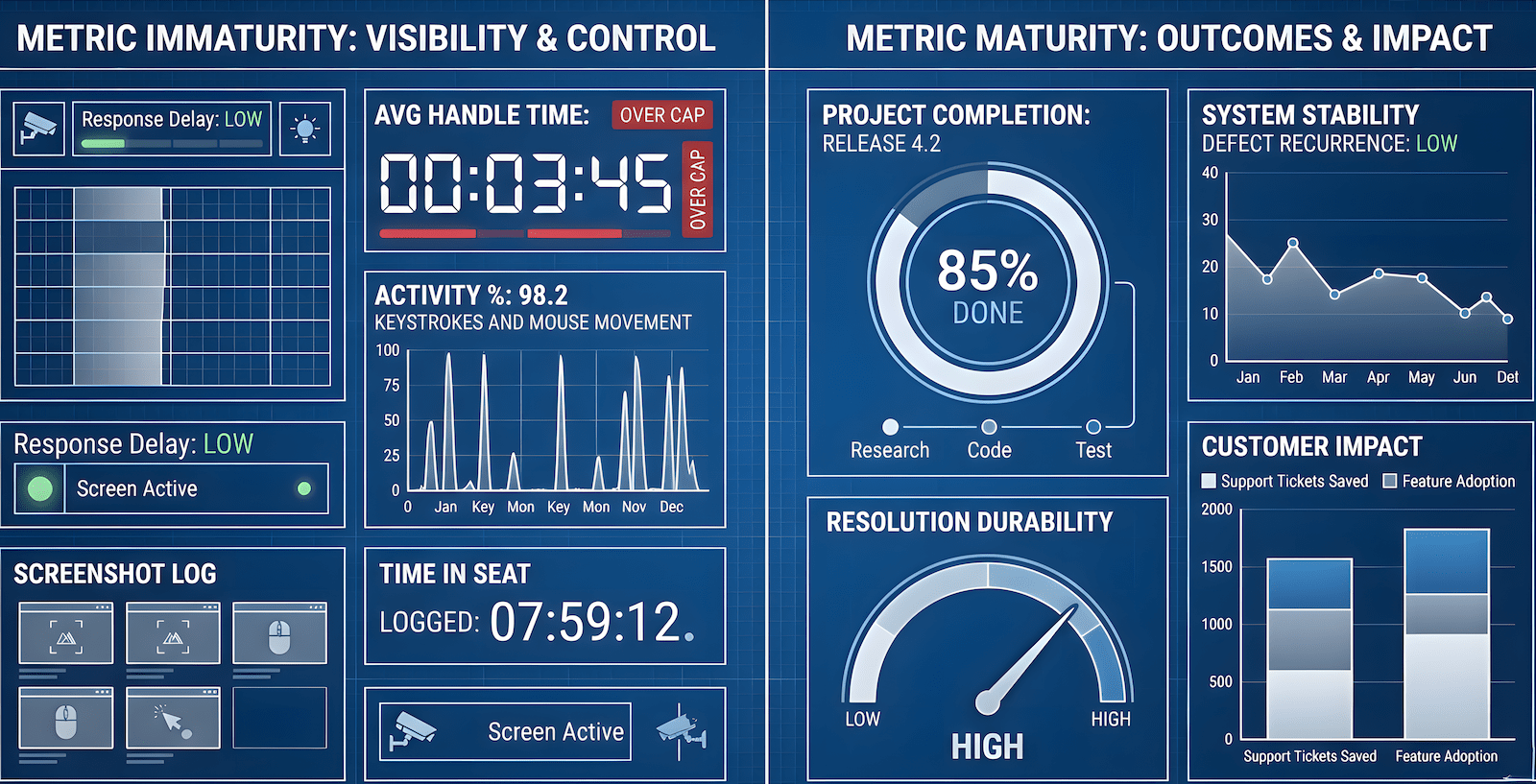
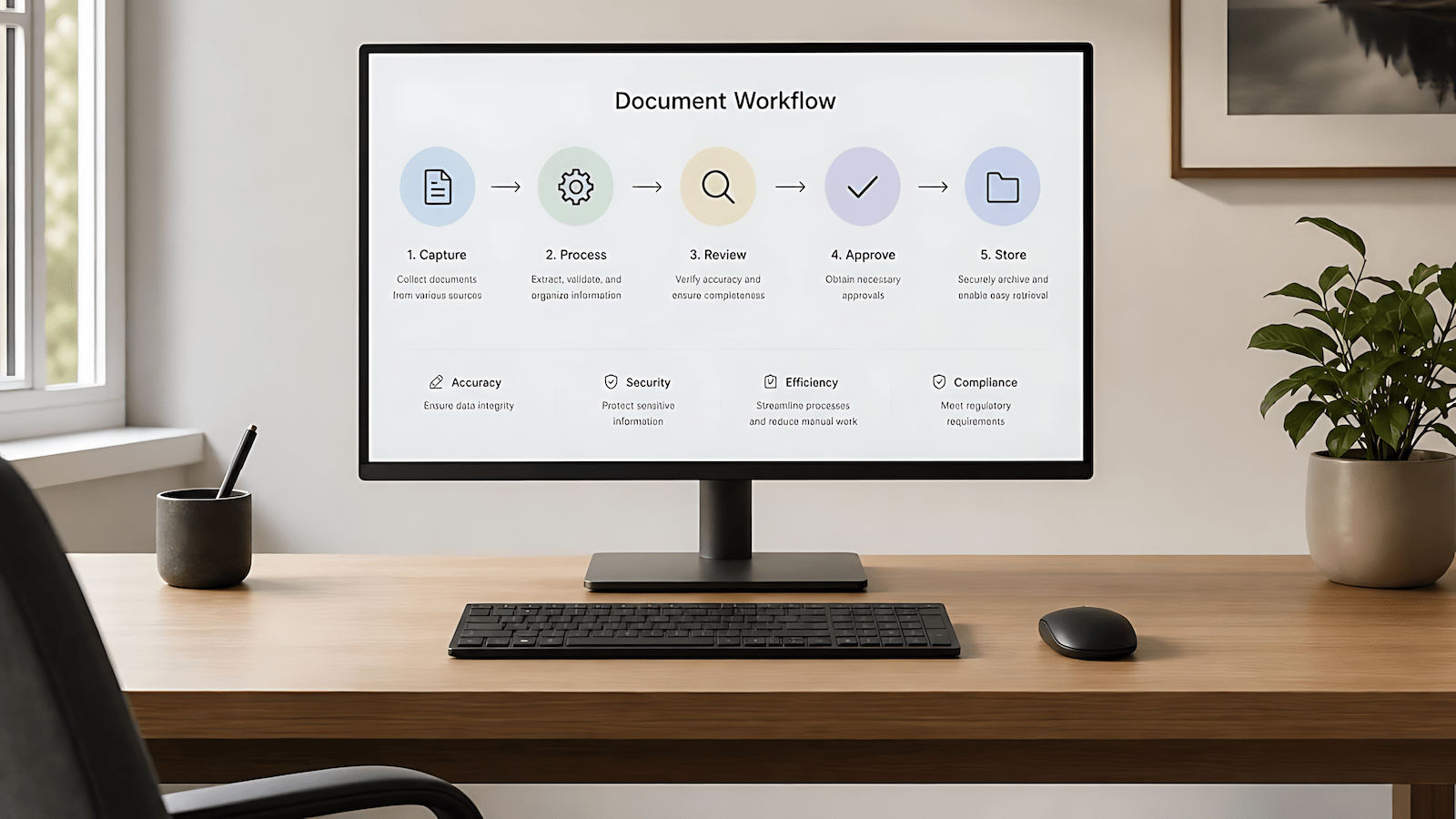
Most remote workers adding AI tools to their workflow end up with a busier stack, not a lighter one. The tools multiply. The tabs multiply. The output stays roughly the same. This is not a tool quality problem. It is a selection and integration problem, and no list of fifty recommended apps is going to fix it.
This is the hub post for the AI tools cluster on RWH. If you found one of the satellite posts first and want the full picture of how AI fits into a remote work operation, you are in the right place.
The Filter That Actually Matters
The question most remote workers ask when evaluating an AI tool is “what can this do?” That is the wrong question. The right question is “does this change the floor of what I can produce on a bad day?”
Good days are not the problem. On a good day, you have focus, your context is loaded, and you would have produced solid output with or without the tool. The tool that earns its place in your stack is the one that is still useful when you are carrying too much, the work week ran long, and you have forty-five minutes to produce something that needs to be coherent. That is the test. Not the demo. Not the capability list. The bad-day floor.
This distinction matters more for remote workers than for office workers because remote work does not have built-in load distribution. There is no colleague you can hand something to, no meeting that buys you an extra hour of processing time while someone else talks. You are the whole operation. The tools in your stack are your only leverage, and leverage that only works when you are already at full capacity is not leverage, it is decoration.
The AI productivity paradox explains why most workers feel busier after adopting AI, not less busy. The short version: adding tools to an existing workflow adds overhead. The efficiency comes from redesigning the workflow around what AI can absorb, not from bolting tools onto the process you were already running.
What Remote Work Actually Generates That AI Can Handle
Before evaluating any specific tool, it helps to inventory what remote work actually produces in a day. Most of it is not creative or strategic. Most of it is translation and formatting work.
You have a conversation, and it needs to become a status update. You have a vague requirement, and it needs to become a list of clarifying questions. You have a completed work block, and it needs to become an end-of-day summary your manager can scan in thirty seconds. You have a set of meeting notes, and they need to become action items with owners and deadlines. None of these tasks require judgment. They require structured output in a format that other people can use. That is exactly what AI handles well.
The categories where AI integration produces reliable daily value in a solo or small remote operation are narrow but consequential. Async communication drafting is the highest-value category, converting raw notes, voice dumps, or bullet points into professional-quality written output without requiring the full mental context load of composing from scratch. Documentation of progress and visibility is the second, because remote work visibility is not optional in distributed teams and the discipline of maintaining it is what most workers deprioritize when they are overloaded. Structured output generation from unstructured input is the third, and it is where AI starts interacting with actual work product rather than peripheral administration.
Knowing these categories makes tool evaluation faster. You are not asking what the tool can do in general. You are asking whether it handles one or more of these categories reliably, at the quality level your work requires, with an integration path that fits how you actually work.
The Tools That Survived Contact With a Real Workload
Running a multi-site content operation alongside client QA work means the AI stack gets tested against actual volume, not occasional use. What follows is not a ranked list. It is a description of what held up and why.
The AI-assisted writing workflow covered in using AI for writing and remote work leverage is the single highest-impact integration in a content-heavy remote operation. The core principle from that post holds: narrow scope inputs produce usable outputs. Asking AI to execute a specific, bounded task inside a process you control produces something you can use immediately. Asking it to produce a finished piece from a vague prompt produces something you spend more time fixing than you would have spent writing it yourself. The discipline is in the inputs, not the model.
For async communication, the model used matters less than the prompt structure you bring to it. A local model running through Ollama handles standup summaries, EOD updates, and client-facing progress notes at a quality level that clears the bar for most professional contexts. The full breakdown of how to build AI into a remote work system rather than just adding tools covers the workflow architecture in detail, including the local versus cloud tradeoff and why a consumer GPU running a quantized model handles most async remote work writing without cloud dependency.
For research compression, the tools that earn their place are the ones that let you get a working summary of a topic in under five minutes so you can make an informed decision about whether to go deeper. This is not about replacing research. It is about front-loading the triage so you do not spend forty minutes reading something that could be disqualified in three.
For workflow automation, the value appears when AI integration is treated as infrastructure rather than a tool you manually invoke. An automation layer that routes inputs to the right model, handles the prompt injection, and delivers output to the right place means the AI step runs in the background rather than requiring a context switch to activate it. This is the difference between a tool in your stack and a function in your operation.
What Didn’t Last and Why
Some tools made it through the trial period and did not stay. The failure modes fall into a small number of patterns.
The first failure mode is tools that require more context than they return value. Any tool that requires you to spend fifteen minutes configuring your preferences, uploading your documents, or briefing it on your situation before it can produce a single useful output has inverted the leverage ratio. The overhead of using it is greater than the output it returns. These tools may be impressive in demos, where the configuration work has already been done. In daily use, they are friction in a workflow that was already running fine.
The second failure mode is tools that produce output at a quality level that requires more editing than writing from scratch would have. This is the version of AI-assisted writing that ends up costing more time than it saves. If the output is technically structured but factually wrong, stylistically off, or missing the specific context that makes the piece useful, you are not editing, you are rewriting. At that point the tool produced a rough draft of a rough draft and that is not worth the integration overhead.
The third failure mode is tools that solve a problem you do not actually have. The AI tools market is partly driven by category creation, convincing workers that they need a specific type of tool for a specific type of task they were handling adequately before. Not every workflow gap is a problem worth solving with a subscription.
How the AI Cluster Fits Together on RWH
This hub post anchors the AI tools cluster. The satellite posts each cover a specific angle in more depth.
AI for Remote Work Is Not About the Tools. It Is About the System. covers the workflow architecture: how to build AI into a remote operation as load-bearing infrastructure rather than an app layer, including the local versus cloud decision and the four daily integration touchpoints.
I Used AI for Content Writing. It Changed How I Write. covers the three-phase structured approach to AI-assisted writing: the narrow scope principle, how to use AI to execute within a process you control, and why the discipline is in the inputs, not the model.
The AI Productivity Paradox covers why AI adoption makes most workers feel busier rather than less busy, and what the redesign logic actually looks like when you fix it.
Remote Workers Will Be Replaced by AI First covers the displacement risk, which categories of remote work are most exposed, and what the workers who are not getting replaced are doing differently.
How to Manage Multiple Blogs Without a Team Using AI covers the multi-site application specifically, what the AI stack looks like when the output volume requires it, and where automation earns its place in a solo content operation.
The Integration Test
Before committing a tool to your stack, run it for thirty days against the specific task category it is supposed to handle. Not thirty days of occasional use. Thirty days of using it for that task every time the task comes up. At the end of thirty days, the question is not whether the tool produced impressive output on its best run. The question is whether the average output across that period was good enough to justify the integration overhead and the subscription cost.
If the answer is yes, the tool has earned its place. If the answer is no, or if you spent the thirty days working around the tool’s limitations rather than inside them, cut it. The stack should get leaner over time, not heavier. Every tool you remove that wasn’t earning its place is leverage recovered.
The workers who get lasting value from AI are not the ones with the most sophisticated stacks. They are the ones who have cut everything that doesn’t survive the bad-day test and built a daily workflow around what remains.