Most “best headset for working from home” guides start with a brand and work backward. Sony’s flagship, Bose’s flagship, then a business headset thrown in because someone mentioned mic quality in the comments. None of them ask the first question: are you actually moving around, or are you locked to a desk for eight hours a day?
That question decides more of this purchase than ANC rating or brand reputation ever will.
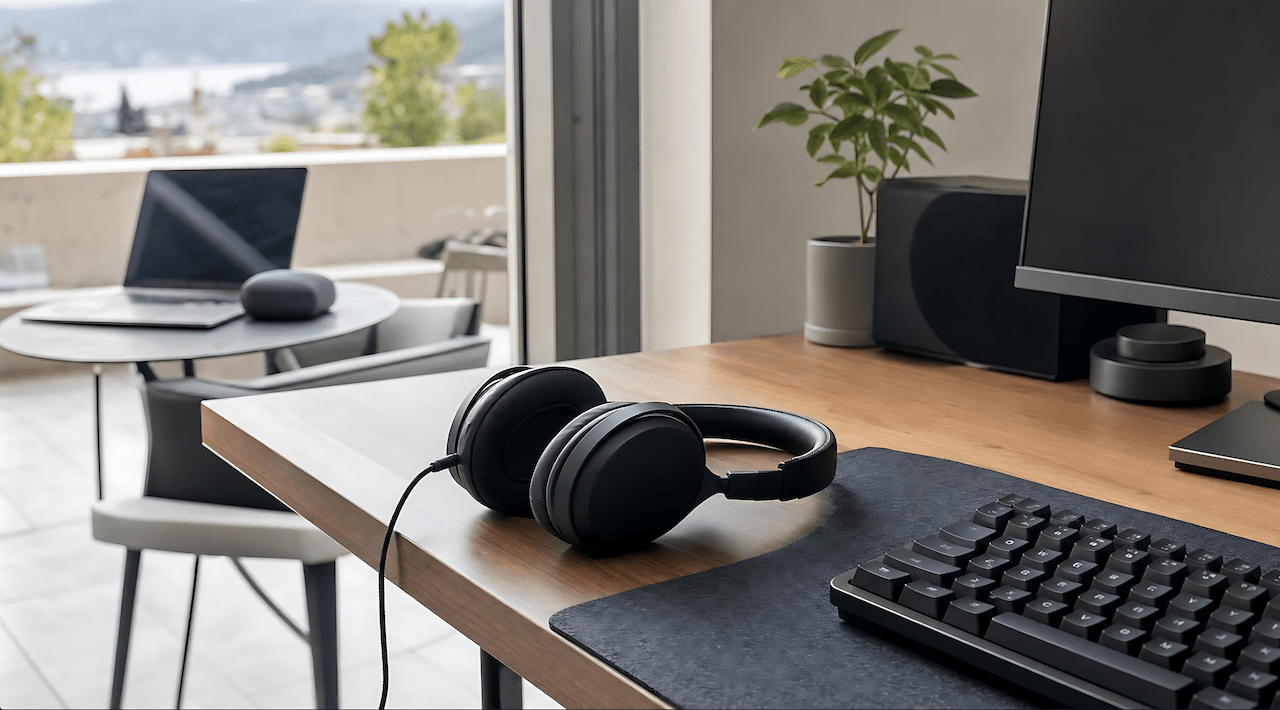
If you’re at a desktop, wired is the correct default, not the fallback. No dropouts mid-call, no charging anxiety, no dongle hunting when your USB ports fill up with a second monitor and a mechanical keyboard. Wireless earns its place when you’re actually leaving the desk and working from the terrace, moving to the garden with a laptop or phone, walking a call. It’s not a lateral upgrade from wired. It’s a different tool for a different situation.
This guide is built around that split, plus the other variable most competitors skip entirely: whether your house is quiet or loud, and whether you need to hear it anyway.
See our full desk setup guide for how this fits into the rest of a home office build.
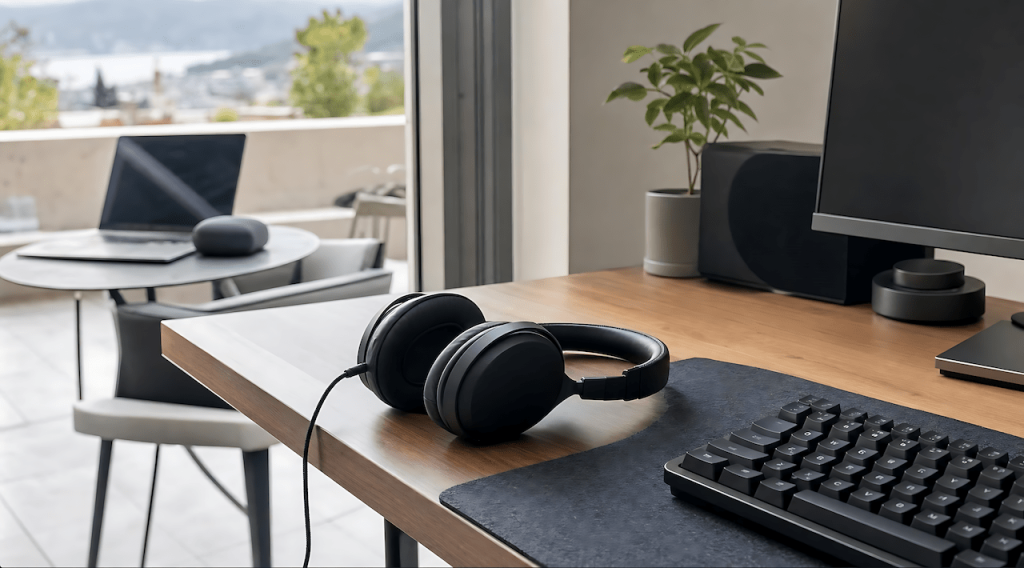
Match your headset to your actual setup
- Desk-locked, want zero-dropout reliability → wired-capable pick
- Noisy house (kids, dogs, traffic, open windows) → isolation-first pick
- Need to hear the house anyway (deliveries, kids, dog at the door) → open-ear pick
- Call-heavy professional, UC/Teams/Zoom certified → dedicated business headset
- Split use, desk primary and terrace/garden mobility → run two, not one compromise pick
- Budget-conscious → value pick that still separates mic quality from ANC hype
Quick pick
For most WFH readers without a specific edge case: Jabra Evolve2 75. It’s built for UC calling, not adapted from a consumer headphone, and it holds up across noisy home environments without the price tag of a Sony or Bose flagship.
The 7 options, broken down
Sony WH-1000XM6 — Over-ear, closed-back, wireless ANC. Class-leading ANC, 12-mic beamforming array for call clarity, up to ~31 hours with ANC on. Best for mixed listening and calls in a genuinely noisy home. Trade-off: premium price, and it’s tuned for music first, calls second.
Bose QuietComfort Ultra (2nd Gen) — Over-ear, closed-back, wireless ANC. Near top-tier adaptive ANC, plush low-clamping-force cushions that hold up over a full workday better than most in this list. Best for call-heavy days where comfort outweighs everything else. Trade-off: codec support is limited on some configs, and isolation in extreme noise trails the business-headset options below.
Jabra Evolve2 75 — On-ear, wireless business headset with ANC. 8-mic system built specifically for UC calling, clear voice even in shared or noisy spaces. Best for professional Teams/Zoom-heavy work. Trade-off: on-ear seal isolates less than full over-ear, and ANC trails the flagships on deep low-frequency noise.
Anker Soundcore Space Q45 — Over-ear, closed-back, wireless ANC. Up to 50 hours with ANC on, surprisingly capable 6-mic system for the price. Best for budget-conscious remote workers who still want real ANC. Trade-off: build feels less premium, sound signature is bass-forward.
Poly Voyager Focus 2 — Hybrid over-ear/on-ear wireless professional headset. Acoustic Fence mic tech built for business calls, under 175g so it disappears during long sessions. Best for call-centric remote roles where reliable UC performance matters more than music. Trade-off: ANC isn’t as aggressive as the Sony/Bose flagships.
Shokz OpenComm2 UC — Open-ear bone-conduction with boom mic. Zero ear pressure, full environmental awareness, Zoom-certified boom mic for call clarity. Best if you need to hear a kid, a dog, or a doorbell while you work. Trade-off: zero noise isolation by design.
Logitech Zone 950 — Over-ear/on-ear wireless ANC business headset. Four noise-canceling mics plus a flip-to-mute boom option, hybrid ANC modes for typical home noise. Best for professional WFH with frequent calls. Trade-off: music listening is secondary here.
Comparison table
| Headset | Wired option | Mic quality | ANC | Best for |
|---|---|---|---|---|
| Sony WH-1000XM6 | Yes (3.5mm) | Very good | Class-leading | Mixed music + calls, noisy home |
| Bose QC Ultra 2nd Gen | Yes | Good, improved from prior gen | Excellent | All-day comfort priority |
| Jabra Evolve2 75 | No | Excellent | Good | Call-heavy professional |
| Anker Soundcore Space Q45 | Yes | Good | Good | Budget, still noisy home |
| Poly Voyager Focus 2 | Yes (fallback) | Excellent | Hybrid, moderate | UC-heavy roles |
| Shokz OpenComm2 UC | No | Very good | None (open-ear) | Need environmental awareness |
| Logitech Zone 950 | Depends on config | Excellent | Hybrid, moderate | Frequent professional calls |
The desk-and-terrace split
Run wired at the desktop. It’s the default for a reason: no latency, no dropouts, no battery to think about. Keep a wireless pick like the Shokz or the Anker for when you’re actually leaving the desk, whether that’s a terrace call, working from the garden with a laptop, or just walking around while your phone handles a call.
This isn’t about brand loyalty or which one looks better on a desk. One wireless headset trying to cover both desktop and laptop duty gets more charge cycles, more Bluetooth re-pairing, more battery wear than two dedicated tools would. Same logic as running a corded drill at the workbench and a battery drill for anything portable. You don’t run the cordless one all day just because it’s more convenient to grab. You use wired where wired makes sense and save the battery cycles for when you actually need to move.