If you’ve already got an Amazon Associates account, or you’re sitting inside the 180-day qualifying window right now, the sign-up walkthroughs stopped being useful the day you clicked submit. The Amazon Associates program doesn’t get harder to understand once you’re in it. It gets harder to actually make work, because the parts that matter, what counts as a qualifying sale, what silently doesn’t pay, how reapproval actually happens after a disapproval, live in gray areas that no onboarding page spells out. I’ve been running an account for about eight months now, through one disapproved run and one approved run, and most of what actually changed my results didn’t come from a guide. It came from watching the dashboard, reading the fine print nobody links to, and fixing mistakes after they cost me clicks.
What I Actually Learned Running an Amazon Associates Account
My first 180-day run started in January and ended the way most first runs end: disapproved. About 300 total clicks and roughly one sale over six months, nowhere near the three qualifying sales Amazon requires to move out of the trial window. The traffic wasn’t the problem by the time I applied for a second run in July. Within a few weeks the second run already had close to double the clicks the first run got in total, and it closed with three qualifying sales on my own tracking, all three items shipped, zero returns. Amazon’s own dashboard still only shows two of those three recognized as qualifying, which is its own lesson: their reporting lags or drops sales silently sometimes, and if you’re relying on the dashboard number alone to judge whether you’re on track, you’re working with incomplete information. Check your actual order history against what the dashboard reports, especially in the weeks before a review deadline.
How the Program Actually Pays You
The mechanics that matter here rarely make it into a beginner guide. A click on your link opens a 24 hour cookie window, and anything that person buys during that session earns you commission, not just the product you linked to. That’s the cart-wide commission rule, and it’s the reason a single well-placed link to one item can end up paying out on an entirely different purchase. On top of that, if the shopper adds something to their cart during that session but doesn’t check out right away, Amazon extends the window to 89 days for whatever’s sitting in that cart specifically. Self-purchases through your own affiliate link never count toward qualifying sales, which is obvious once you think about it but worth saying plainly since new associates sometimes test their own links. Digital content, Kindle books, Amazon Music, Prime Video, digital game downloads, is excluded from standard commission entirely. Prime membership signups and free trials get paid through a separate system called the Bounty Program, a fixed payout that only triggers for genuinely new subscribers, not existing members, and it runs independently of your regular cart-wide commissions. One more habit worth building: check your commission reports periodically. Amazon can silently exclude a specific product from commission with as little as seven days’ notice, and if you never look, you won’t know a link you’re relying on stopped paying.
What Doesn’t Pay: Categories and Products to Stop Counting On
Amazon keeps an official excluded-products list that’s worth knowing before you build a post around something on it. Product Ads and banner links don’t count. Wireless plans not sold directly by Amazon don’t count. The Amazon Appstore for Android, fresh.amazon.com grocery orders, restaurant takeout, alcohol, and Kindle subscriptions are all excluded. Beyond that fixed list, Amazon also runs a rotating list of specific ASINs pulled from commission eligibility with only seven days’ notice, which is part of why checking your reports matters. Separately, a handful of categories pay zero commission outright regardless of ASIN: gift cards, wireless plans, alcohol, Kindle subscriptions, restaurant delivery, and vehicle leasing or sales. If your content leans on any of these, the traffic can be strong and the commission can still be nothing.
Platforms Worth Running Links On
Site content is still where most of my qualifying sales actually originate, but it’s not the only channel worth running. A shared CAS Facebook page and a CAS Pinterest both drive traffic toward a branded Amazon Storefront rather than to individual posts, which keeps the traffic funnel simple and keeps me compliant with Amazon’s rule against soliciting specific people to buy through your Special Links. TikTok is worth exploring as a third channel if short-form content fits your niche, though I haven’t built that out yet. None of this replaces building an audience without relying on followers first. The platforms are distribution, not the strategy itself.
How to Apply and What Actually Gets You Approved
The requirement is simple to state and harder to hit than it sounds: three qualifying sales within your 180-day window, on a site that’s publicly available and already contains an affiliate link when you apply. Amazon isn’t reviewing your traffic volume in isolation. It’s reviewing whether your site functions as a real, public, affiliate-carrying property, which is why a site with content but no live links, or a site still sitting behind a coming-soon page, won’t clear review even with decent visitor numbers.
How to Reapply After a Disapproval
My first run failed on the sales requirement even though traffic on the site was climbing the entire time, which is the part that surprises people. Traffic alone doesn’t convert to qualifying sales if the content isn’t built to move someone toward an actual purchase decision. Between my first and second runs, the biggest shift wasn’t more traffic, it was more intentional Amazon Associates program content: posts built specifically to answer a buying question rather than just mention a product in passing. If you get disapproved, the fix usually isn’t waiting and hoping the next batch of visitors converts. It’s rebuilding a handful of posts around actual purchase intent before you reapply.
Gray Areas You Only Learn by Living Them
A few rules cost me time before I understood them properly. Price display rules mean you shouldn’t hardcode a product’s price into your copy, since Amazon’s prices shift constantly and a stale number reads as misleading; I personally strip pricing out of titles and roundups entirely for this reason. Disclosure has to be clear and present, not just technically compliant somewhere in a footer. Link cloaking, wrapping your affiliate link behind a shortened or branded URL, is allowed within Amazon’s terms as long as it’s still transparent that it leads to Amazon. Social media direct-linking has its own restriction: you generally can’t post a bare Amazon affiliate link straight into a social post without it routing through your own site or an approved tool first, which is part of why the Storefront-first approach for Pinterest and Facebook works better than dropping raw links into a feed. Getting these wrong isn’t usually the kind of mistake you notice immediately either. I found stale pricing sitting in an old post’s meta description and intro paragraph weeks after I’d already fixed the visible body copy, simply because I hadn’t audited every field the first time. If you’ve made affiliate marketing mistakes like that, an occasional audit pass catches more than a one-time fix does.
Helpful Stuff
Do self-purchases count toward qualifying sales? No. Amazon excludes purchases made through your own affiliate link from qualifying sale totals, so testing your own links doesn’t help your approval numbers. Do Prime subscriptions count as a qualified sale? Not on the standard commission track. New Prime signups and free trials pay out through the separate Bounty Program instead, and only for shoppers who weren’t already Prime members. Does a bounty payout get affected by unrelated browsing during that same session? No, bounty events run on their own tracking system separate from cart-wide product commissions, so unrelated browsing in the same session doesn’t interfere with either one.
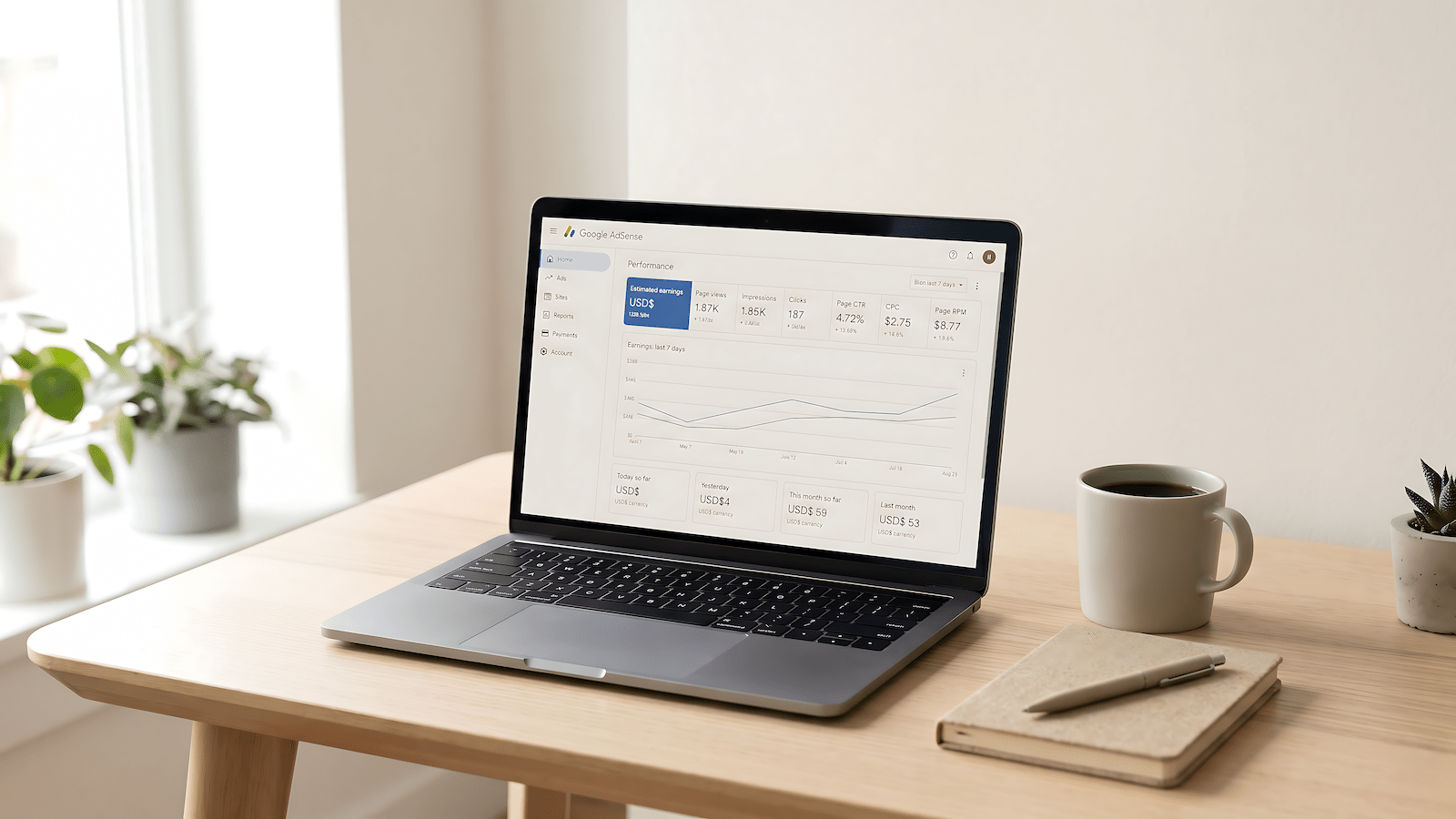
Running the Amazon Associates program alongside AdSense and other income streams across multiple sites is still a real income path, not a shortcut. I treat this account as something meant to actually contribute to my family’s bills eventually, not as easy money, and that’s exactly why the compliance details above aren’t optional reading. Get the mechanics right the first time and reapplication after a disapproval becomes a lot less necessary.