Most desk setups get audited for the big stuff: the chair, the monitor, the desk itself. If you’ve already sorted the computer and the call-quality gear, the one surface your hands actually touch for eight hours a day, the strip of desk under your keyboard and mouse, almost never gets a second look. That’s the gap. A glass desk, a bare laminate surface, or a worn-out mat can throw off mouse tracking and add just enough resistance to keyboard input that your hands are working against the desk instead of with it.
It’s a small thing. It’s also the kind of small thing that compounds across an eight-hour day.
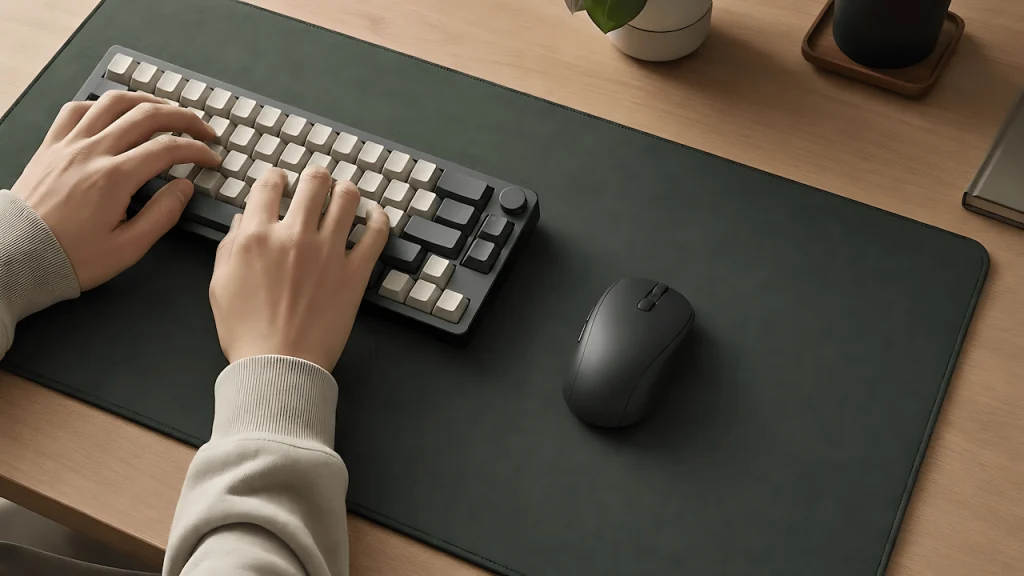
Why Surface Consistency Actually Matters
A mouse sensor reads the surface underneath it to track movement. Glass, uneven laminate, or a cheap mat with an inconsistent weave can cause micro-stutters in tracking, the kind you consciously correct for without noticing you’re doing it. That correction is friction. Multiply it across thousands of small movements a day and it adds up to real fatigue, not just annoyance.
Keyboards have a version of the same problem. A keyboard sitting directly on a hard or uneven desk surface transmits more vibration and bottom-out noise than one sitting on a stable, cushioned pad. That’s not a comfort detail either. It’s the difference between a keyboard that feels responsive and one that feels like you’re fighting it.
Some links on this page are Amazon affiliate links. If you choose to buy through them, RemoteWorkHaven may earn a small commission at no extra cost to you.
These links only appear where tools or setup gear naturally fit the topic. No paid placements. No brand endorsements.
Fixing It: A Full-Width Pad Under Both
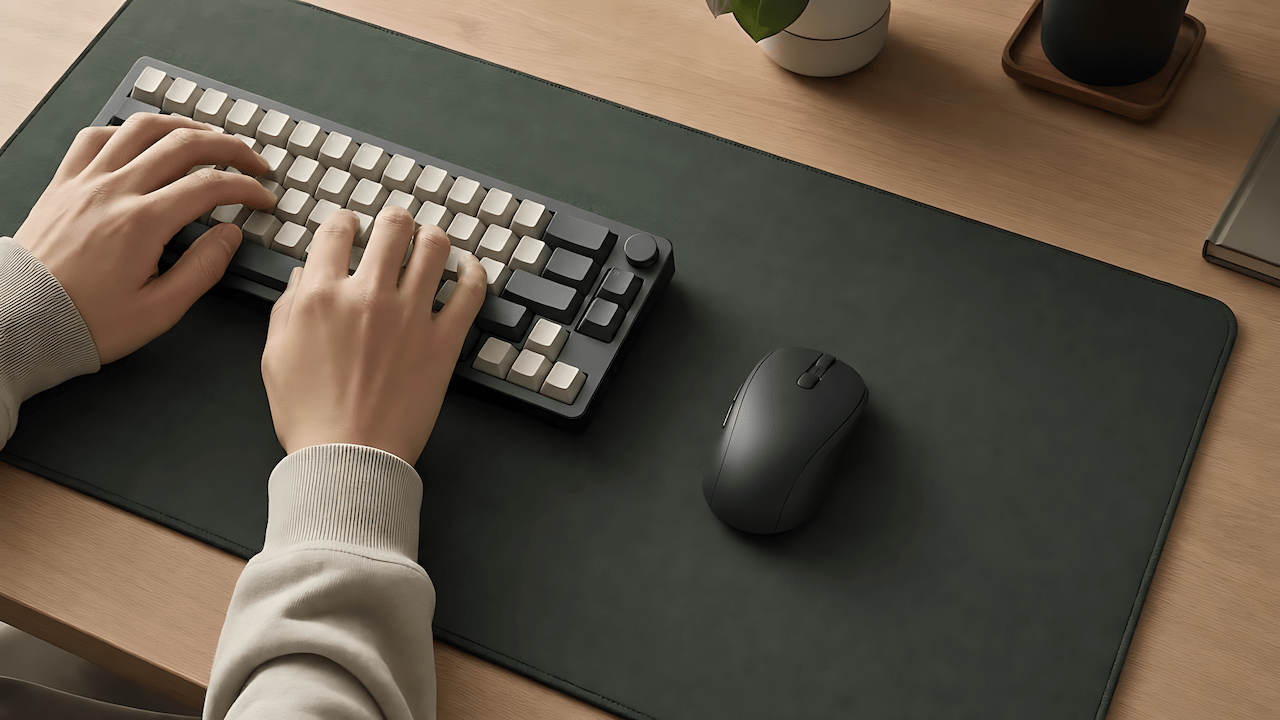
A full-width desk pad under both keyboard and mouse solves the surface-consistency problem outright, no matter what desk you have. Which one is right for you depends on what you’re optimizing for, tracking performance, aesthetics, or durability, not a single universal answer. That’s what the material breakdown below is for.
Match the Pad to the Desk
Glass desks need this most. Glass is the worst surface for both mouse tracking and keyboard stability. If you’re on a glass desk, a full desk pad isn’t optional, it’s the fix for a problem your desk is actively causing.
Laminate and wood desks benefit, but less urgently. These surfaces are usually consistent enough for decent mouse tracking on their own. The pad here is more about reducing keyboard vibration and protecting the surface than solving a tracking problem.
Already using a small mouse pad? A small pad only solves half the problem. If your keyboard is still sitting directly on the desk, you’ve fixed the mouse side and left the keyboard side of the friction untouched.
Material Actually Matters Here
Not all desk pads solve the problem equally well. The surface material changes both tracking consistency and keyboard noise, not just how it looks.
Cloth or hybrid cloth-rubber surfaces give the most consistent mouse tracking and the best keyboard vibration dampening. The Corsair MM350 Pro Extended XL is the pick if this is your priority: a large cloth surface built to give keyboard and mouse the same consistent glide and stability side by side. It’s the safest default if you’re not sure what you want.
Leather and PU leather pads look more polished on a desk and wipe clean easily, but the harder surface transmits more keyboard vibration than cloth. The Leatherology Classic Leather desk pad is the pick here if aesthetics and desk presentation matter as much as the input-friction fix.
Cork pads are a middle ground: better vibration dampening than leather, more texture than cloth, and they hold up well over years of daily use. Corkor’s cork desk mat is the pick for this tier, a cork-leather hybrid surface built specifically to balance smooth mouse movement with the durability cork offers. The tradeoff versus cloth is a slightly rougher surface that some mice track less precisely on.
Hard plastic or glass desk pads solve almost nothing here. They’re a desk protector, not a friction fix. If you’re buying a pad specifically because of the tracking and vibration problem this article is about, skip these entirely, no alternative recommendation needed because this category doesn’t solve the actual problem.
When a Keyboard Upgrade Is the Actual Fix
A pad fixes surface inconsistency. It doesn’t fix a keyboard that’s mechanically loud, mushy, or genuinely uncomfortable to type on for a full day. If you’re on a stock laptop keyboard or an old membrane board, the upgrade that actually matters is the keyboard itself.
The Logitech MX Mechanical is the pick for office use specifically. It’s built around quiet tactile switches, so it gives you real mechanical feedback without becoming the loudest thing on your next call, and it switches between multiple devices with one keypress if you’re moving between a work laptop and a personal machine. If you want a more premium typing feel and don’t mind a slightly bigger investment, the Keychron Q1 Max is the step up: a gasket-mounted design that softens every keystroke, paired with silent switches that keep it office-appropriate despite being a full mechanical board. If you just want to know whether mechanical keyboards are for you before spending real money, the Cherry KC 200 MX is the budget entry point, a wired board around a third of the price of the other two that still uses genuinely quiet switches instead of a cut corner.
You need a keyboard upgrade if: the pad alone didn’t fix the problem, and what’s actually bothering you is the sound or feel of every individual keystroke, not the desk underneath it.
Once you’ve got one, keep it working the way it did on day one. HobbyEngineered’s mechanical keyboard maintenance guide covers the upkeep side (cleaning under the keycaps, when switches actually need replacing) that most buying guides skip entirely.
If your desk doubles as a gaming setup outside work hours, the calculus changes: gaming leans harder on switch response than office typing does. HobbyEngineered’s budget mechanical keyboard picks for gaming is the better read for that specific use case rather than trying to make one keyboard do both jobs well.
The Lighting Layer
Once the surface and the keyboard are handled, the last piece is whether you can actually see what you’re doing without eye strain. A desk lamp with adjustable color temperature, warmer light for evening work, cooler light for daytime focus, closes that gap. This doesn’t need a specific model, any decent adjustable smart desk light covers it.
Quick Questions
Does a desk pad actually make a measurable difference, or is this overstated? For mouse tracking specifically, yes: sensor accuracy genuinely depends on surface consistency, which is why gaming peripheral brands treat surface material as a real spec, not an afterthought. For keyboard feel, the difference is more about vibration and noise than raw performance, but it’s still a real, felt difference across a full day of typing.
How often does a desk pad need replacing? A cloth or hybrid pad will show visible wear (thinning, fraying edges, a slick worn patch where the mouse sits most) after one to two years of daily use. Leather and cork last longer, generally three or more years, before the surface degrades enough to affect tracking.
Do I need both a desk pad and a separate wrist rest? No, most full-size desk pads already sit at a low enough profile to double as wrist support. A separate wrist rest is only worth adding if you have an existing wrist or hand strain issue a flat pad alone hasn’t resolved.
Comparison Table
| Pick | Category | Honest Assessment |
|---|---|---|
| Corsair MM350 Pro Extended XL | Cloth desk pad | Best tracking consistency, safest default if unsure |
| Leatherology Classic Leather desk pad | Leather desk pad | Best for desk presentation, more keyboard vibration than cloth |
| Corkor cork desk mat | Cork desk pad | Best durability, slightly rougher mouse tracking than cloth |
| Logitech MX Mechanical | Keyboard, mid-range | Office-safe default, quiet enough for shared spaces and calls |
| Keychron Q1 Max | Keyboard, premium | Worth it once you know the pad wasn’t the real issue |
| Cherry KC 200 MX | Keyboard, budget | Cheapest genuine entry point without a quality cut corner |
The Actual Decision
Start with the pad. It’s the cheaper fix and it solves the surface-consistency problem regardless of what desk you have. Only move to a keyboard upgrade if the sound or feel of the keys themselves, not the desk under them, is still bothering you afterward.