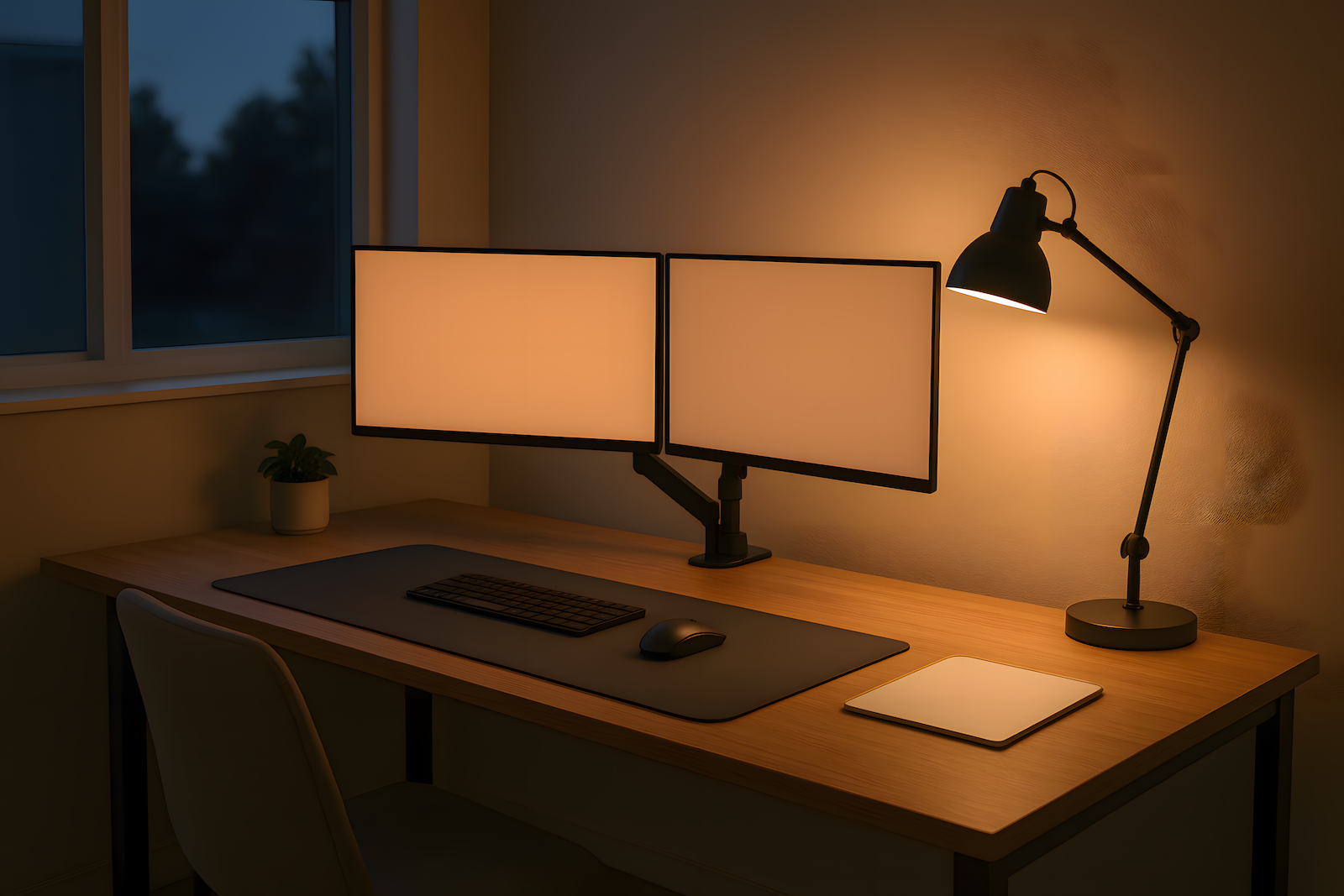
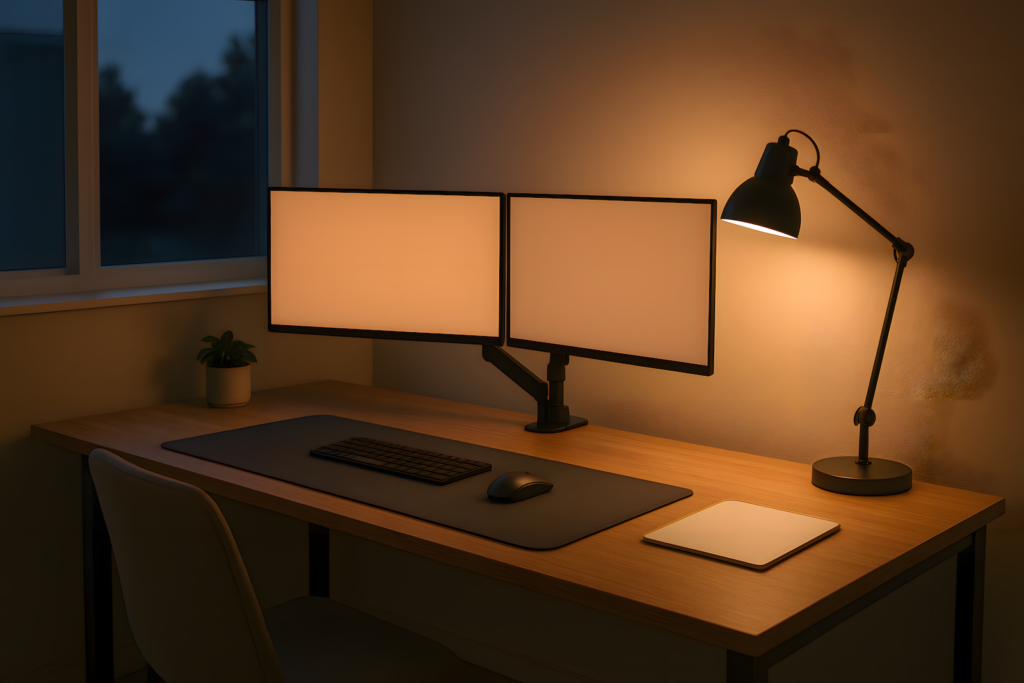
Remote burnout isn’t always mental. Sometimes it’s physical drag camouflaged as motivation loss. Your desk isn’t just where you work, it’s where your energy drains or compounds. Before you blame your discipline, check your hardware. These aren’t luxury items. They’re physical toggles for energy and clarity, and most setups are still running default.
Some links on this page are Amazon affiliate links. If you choose to buy through them, RemoteWorkHaven may earn a small commission at no extra cost to you.
These links only appear where tools or setup gear naturally fit the topic. No paid placements. No brand endorsements.
1. Monitor Arm: Visual Focus Upgrade
Stacked tabs kill flow. So does a misaligned screen. A monitor arm raises your display to eye level (posture fix), frees up desk space, and turns a cluttered laptop trap into an actual visual command center.
You need this if: your neck aches by 3pm, or you’re squinting across multiple displays.
The Ergotron LX is the gold-standard pick, it’s been the benchmark for over a decade for a reason: smooth adjustment, no sag after years of daily use, and it outlasts whatever monitor you mount on it today. If you want most of that experience at a fraction of the price, the WALI GSMP001N is the honest budget option, roughly 80% of the premium experience for about 10% of the cost.
2. Cable Raceway: Mental Noise Reducer
Messy cables drain more than aesthetics, they clutter your micro-movements. Every time you avoid adjusting something because it feels like untangling spaghetti, that’s friction your setup is adding to your day that doesn’t need to be there.
You need this if: you avoid reaching under your desk because you already know what’s down there.
There’s no single winner here, the honest answer from every cable management source we checked is a layered system: an under-desk tray to hide the power strip and bulk, a J-channel raceway to route cables along the desk edge, and adhesive clips for the individual cables you actually touch. Clean desk, clean loops, cleaner logic.
3. Glass Notepad: Real RAM for Your Brain
Don’t use your head as short-term memory. A desktop dry-erase pad lets you dump tasks mid-call, sketch logic while muted, and offload distractions without opening another tab.
You need this if: sticky notes, tab overload, and mid-task context loss are your normal.
The Quartet Glass Dry-Erase Computer Pad is the pick, it slides between your keyboard and monitor, resists staining and ghosting that regular whiteboards pick up over time, and it’s the highest-rated option in this category across the sources we checked. Costs less than your next app subscription.
4. Adjustable Task Light: Energy Flow Lever
Your overhead light is betraying you. Midday glare causes eye fatigue. Night shifts mean blue light overload. Cloudy days tank your focus before lunch even with caffeine in you.
You need this if: your brain crashes before lunch regardless of how much coffee you’ve had.
The OttLite Soft Touch LED Desk Lamp is the pick for this: natural daylight-matched output, a flexible neck that actually holds position, and dimmable control so you’re not fighting your own lighting by 4pm. Angle it from the side, not overhead. You want presence, not pressure.
5. Already Covered: The Desk Surface Itself
If you’re wondering why a desk pad or mat isn’t on this list, it’s not an oversight. We already gave that topic its own full breakdown, material comparison, tracking-consistency testing, the actual buying decision, because it deserved more room than a quick-fix slot here could give it. If your mouse or keyboard feels off on your current desk surface, that’s the one to read.
The Actual Point
None of these are aesthetic upgrades. They’re workflow reinforcements. No gear fixes your job. But the right add-ons stop your desk from becoming an energy trap you fight all day without realizing it. Build your setup like your focus depends on it, because it does.
If the drag you’re feeling isn’t physical, if your setup is solid but your head still won’t cooperate, that’s a different problem than this post solves. MomentumPath’s piece on running an outdated mental OS is the better read for that.