
You can’t stop the inputs a freelance job throws at you. The client’s tools, their messages and the way they send you data all arrive on their terms, not yours. What you can control is the layout those inputs land in, and that is where cognitive load theory stops being a school concept and turns into a work habit.
I use it in two places. One is how I redesign my sites, and the other is how I handle a pile of incoming information when I’m working for someone else. Both come down to the same job, keeping the mental effort on the work and off the packaging, which is how I try to reduce cognitive load without pretending it can ever hit zero.
The question that pulled me toward the theory was simple. When you’re working or studying and browsing a website, and your senses are being overloaded, how does that affect what you can actually do? Cognitive load theory has a direct answer, and it explains a lot of what I do on my own sites and at my desk.

Cognitive Load Meaning When You Are the One Doing the Work
Cognitive load is the mental effort a task takes out of your working memory, and working memory only holds so much at once. Cognitive load theory splits that effort into three types of cognitive load. Intrinsic cognitive load is the task itself, how hard it is and how many pieces you have to hold together to do it. Extraneous cognitive load is effort spent on how the information is presented, like a cluttered page, a messy layout or a tool that hides what you need. Germane cognitive load is the effort that goes into actually understanding what you’re looking at, the part that makes the next round easier.
Load is not the enemy here. You need some of it to work or learn anything at all, and the problem only starts when the wrong kind crowds out the useful kind. Managing cognitive load means keeping the extraneous part small so the intrinsic and germane parts have room to do their job.
Cognitive Load Theory Examples From How I Redesign My Sites
Cognitive load is one of the reasons I redesign my sites. RemoteWorkHaven is the current example, and HobbyEngineered and EngineeredAI are coming up soon. When someone browses a page, their senses are taking in everything on it at the same time, so a page that throws all of it at them at once hands them extraneous cognitive load before they’ve read a sentence.
On RWH I handled that in three ways. The grid picks push a quick buy portion first, so the reader who just wants the answer gets it right away. Each product then gets its own description underneath, and if they want more they scroll down, which means the reader decides how much arrives at once. The site also uses negative space and white space as breathable design, letting the eyes breathe so nothing on the page is fighting for attention.
That is how I apply the theory as a publisher. The content doesn’t change, only how much of it lands on the reader at the same moment. It’s one of the cleanest cognitive load theory examples I have, because I can point at it on the live site.
Managing Cognitive Load on Freelance Work
Proprietary tools can’t be changed. A client’s platform looks the way it looks, and arguing with its layout is just hours you don’t get back. What I can do is copy the data into Notion or a notepad, so I’m working from a layout I control instead of the one the tool handed me. It’s a simple trick, and it strips out a lot of the extraneous cognitive load the interface was adding.
Multiple inputs can’t be prevented either, but how much of it sits in front of me can. I lessen the environment and I lessen the browsing, and I take the data in short bursts. After each burst I give my mind time to process before the next one, because the processing is where the understanding gets built. Getting yourself to start the next burst is its own problem, and I wrote about that in how to stop procrastinating when your hours are flexible.
My own screens follow the same idea. The main screen is the working space, and the other screens are monitoring space for chats and whatever else needs watching. It’s built for context switching, and it’s prone to overload, which is the failure I broke down in the multi monitor productivity trap. The difference is that each screen has one job.
The mental side of this, what a switch costs your head, is in context switching kills momentum over on MomentumPath. And if screens are already wearing you down by the end of the day, remote work screen fatigue covers rebuilding contrast.
Letting AI Take the First Pass
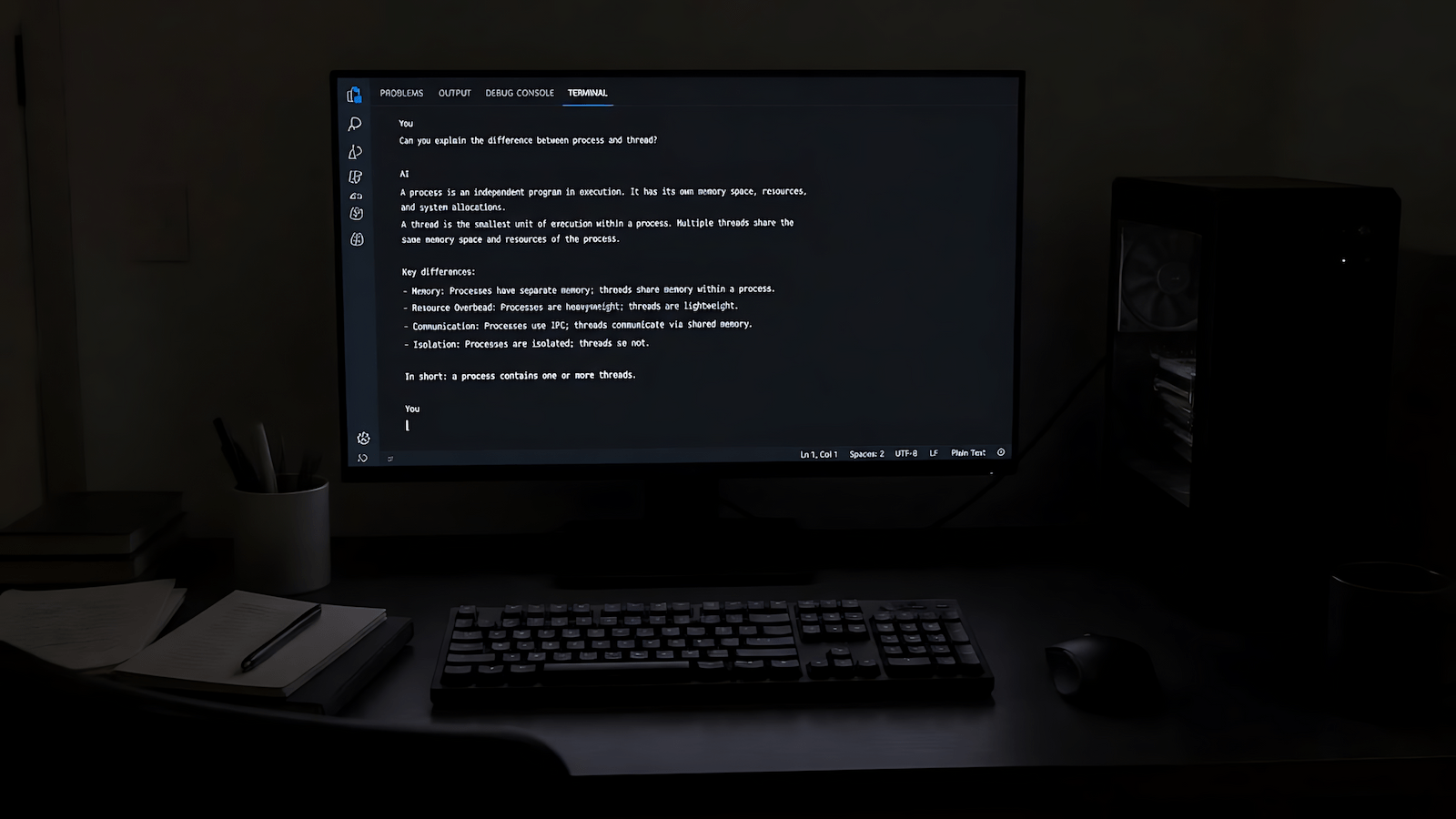
Right now I also let AI digest information for me, so the useless and unrelated stuff gets filtered out before it reaches me. A long page or a dump of data has a lot in it that doesn’t touch the task, and every bit of that is extraneous load if I read it myself. Handing the digesting to AI means I start from what’s actually related.
What to Ignore
Ignore advice that treats cognitive load as the enemy. Load is the effort of working, you need it, and the target is keeping the junk off the top so the useful effort has room. Ignore the idea that the fix is shutting the inputs off, because in freelance work you can’t prevent them. What you can change is the layout, the environment and how much arrives at one time.
The Textbook Version, Cognitive Load Sweller Style
John Sweller developed cognitive load theory in the late 1980s while studying problem solving. It started in learning and instruction, and everything above is how I apply it to site design and freelance work, not something the textbooks say about either. The three loads are the standard split, working memory is limited, and breaking material into smaller segments so each one fits is the standard answer to that limit. That’s the whole theory I’m leaning on.
You can’t choose what a client sends you. You can choose where it goes and how fast it arrives. If it shows up as one message with five tasks, the async task management etiquette post covers the reply that sorts it out.