If you’re typing six to eight hours a day and still using whatever rubber-dome board came with your desk, that’s the actual problem, not “which keyboard is best.” The wrong keyboard for office use shows up as sore fingers by 3pm, missed keystrokes during a deadline sprint, and a board that sounds like a rifle range on every call.
Mechanical or membrane: the decision that actually matters
Before picking a specific board, settle this first, because it decides everything else.
Resistance, not noise, is the real differentiator. The case for mechanical isn’t that it’s quieter or louder, it’s the tactile feedback: a defined actuation point you can feel under your finger, versus the softer, fuller compression of a scissor or membrane switch. Some typists want that resistance, it makes each keystroke feel deliberate and reduces the sense of “bottoming out” on every letter. Others adjust just as easily to a lower-resistance board and never think about it again. This is genuinely a preference, not a performance gap, so don’t let anyone (including this post) oversell it as an objective upgrade.
Double-registers and missed keys. This is a build-quality issue more than a category issue. A cheap, worn rubber-dome board will misregister keys as the dome degrades. A well-built scissor-switch or membrane keyboard, kept in good condition, registers just as reliably as mechanical for years of daily use, it just feels different doing it.
Noise on calls. A cheap tactile or clicky mechanical switch on a video call is a real problem in a shared office or open-plan home. Silent linear switches, scissor-switch boards, and quality membrane keyboards all solve this. Loud tactile or clicky switches do not belong on a desk next to a mic.
If you want the resistance and defined feel of a mechanical switch under your fingers, get mechanical, that’s a legitimate reason on its own. If you’re happy with a lighter touch, or you’re in a shared space and don’t want to switch-shop for quiet, a well-built scissor-switch or membrane board isn’t a downgrade, it’s just a different feel that types just as reliably.
Full-size or compact: don’t skip the numpad question
Switch type gets all the attention, layout gets ignored, and it matters just as much for office use. A 60% or 65% board drops the numpad, arrow keys, and function row to save desk space, and for a lot of setups that’s the right call.
It’s not the right call for everyone. If you’ve got the desk space for it, a full-size board with a dedicated numpad is still the better pick for anyone doing regular data entry, spreadsheet work, or accounting, holding the numpad hostage to a Fn-layer shortcut gets old fast once you’re entering numbers all day. There’s no functional downside to full-size if space isn’t the constraint; the appeal of 60% boards is compactness and portability, not performance.
If desk space actually is tight, you don’t have to choose between compact and a numpad. A 60% or 75% board paired with a separate standalone numpad gets you both: the smaller footprint most of the time, full numpad access when you need it, without permanently giving up either one.
Quick pick
If you only read one section: the Keychron K2 is the safest all-around upgrade from a stock membrane keyboard. It’s mechanical, hot-swappable if you want to change the feel later, connects to three devices over Bluetooth, and doesn’t demand you relearn typing technique the way a heavily customized board would.
Some links on this page are Amazon affiliate links. If you choose to buy through them, RemoteWorkHaven may earn a small commission at no extra cost to you.
These links only appear where tools or setup gear naturally fit the topic. No paid placements. No brand endorsements.
Comparison
| Keyboard | Switch type | Connectivity | Best for |
|---|---|---|---|
| Keychron K2 (Hot-swappable) | Mechanical, hot-swappable (Gateron switches, tactile/linear/clicky options) | Bluetooth (3 devices) + USB-C wired | Best overall entry into mechanical for office use |
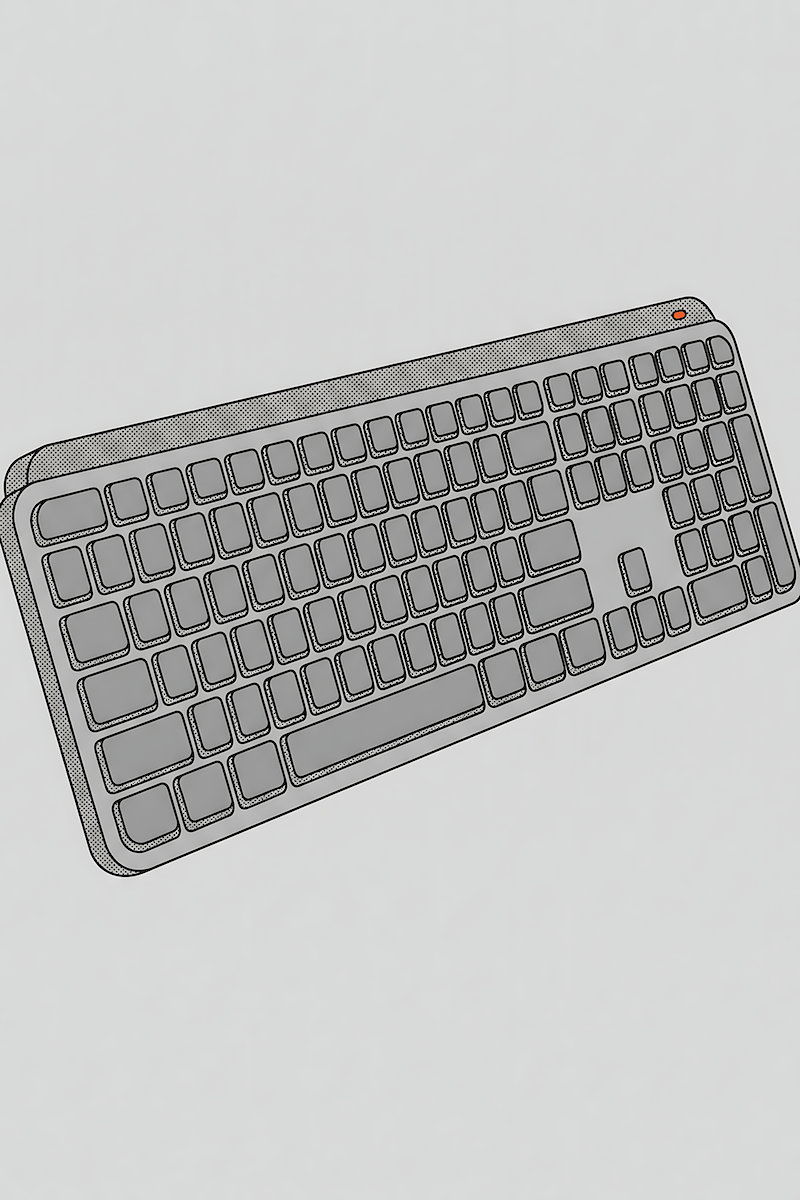
| Logitech MX Keys S | Scissor-switch, low-profile | Bluetooth/Logi Bolt (3 devices) | Quietest option, shared offices, calls-heavy roles |
| Logitech K380 | Scissor-switch, compact | Bluetooth only (3 devices) | Budget pick, travel, secondary desk |
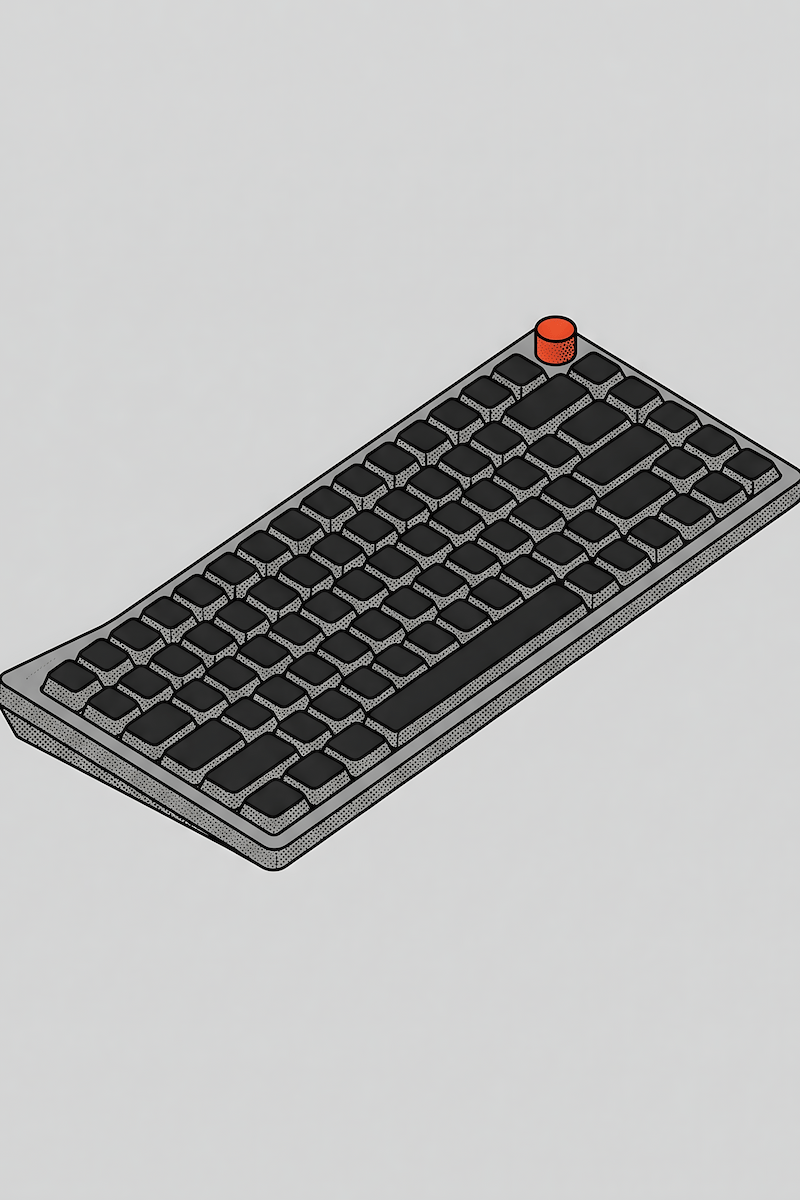
| NuPhy Air75 V3 | Mechanical, low-profile, hot-swappable (linear/tactile/silent options) | Bluetooth + 2.4GHz + USB-C (up to 5 devices) | All-day comfort in a thinner, laptop-adjacent profile |
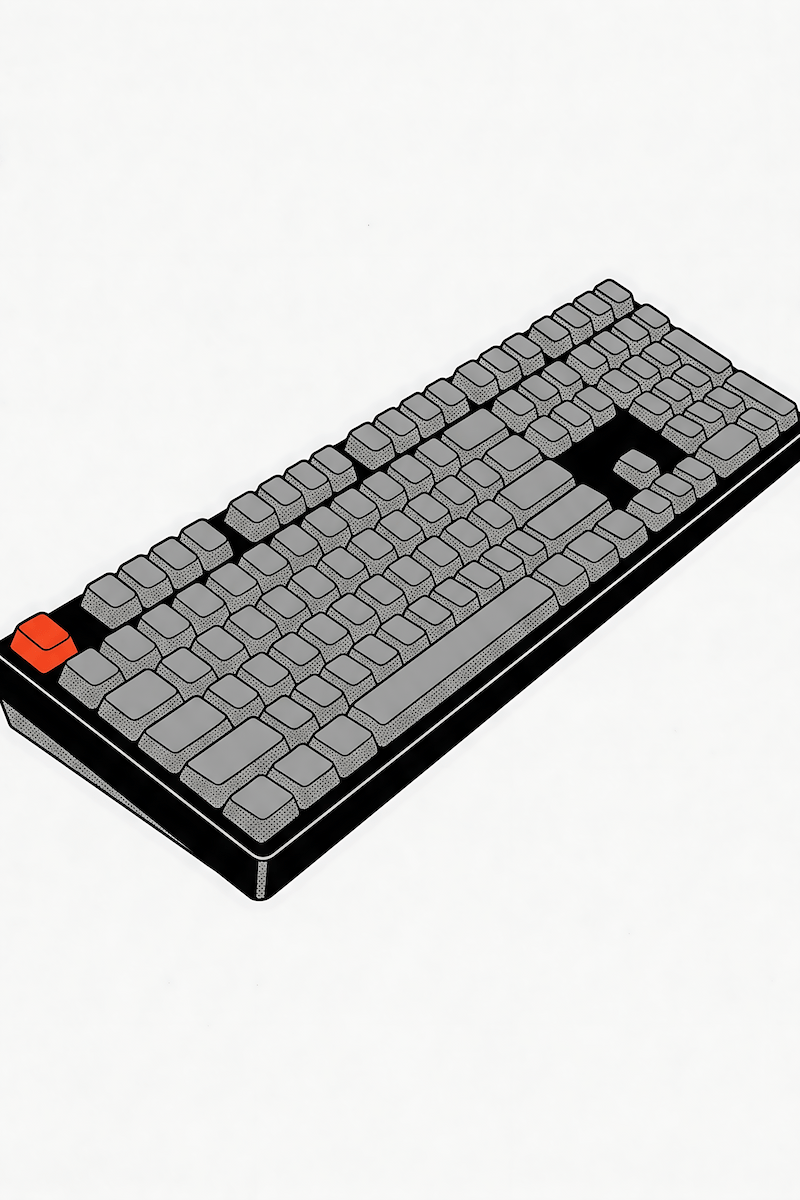
| Keychron K5 Max | Mechanical, low-profile, hot-swappable (Gateron low-profile switches) | Bluetooth + 2.4GHz + USB-C (up to 3 devices) | Full-size, dedicated numpad, data entry/spreadsheet-heavy work |
The MX Keys S above is already full-size with an integrated numpad, so it covers both the “quietest” and “has a numpad” columns at once. The K5 Max is the mechanical equivalent of that same call: full-size, numpad included, no compromise if desk space isn’t the constraint.
The picks, broken down
Keychron K2 (Hot-swappable) – best overall
An 84-key, 75% layout mechanical keyboard built specifically around switching between devices and operating systems. It ships with Gateron switches (tactile, linear, or clicky depending on the version you order) and the hot-swappable version lets you change switches later without soldering, so you’re not locked into one feel if the stock switches turn out too loud or too light for your desk. It pairs with up to three devices over Bluetooth and includes a USB-C wired mode, and it ships with swappable Mac and Windows keycaps plus a physical OS toggle.
Checkable reason to buy it: hot-swappable sockets mean you can start with a quieter switch for office use and upgrade the feel later without buying a second keyboard.
Logitech MX Keys S – quietest, best for shared offices
Not a mechanical keyboard, and not trying to be one. It uses Logitech’s scissor-switch mechanism, the same category as most laptop keyboards, and it’s a genuinely comfortable, well-built typing experience on its own terms, not a fallback for people who couldn’t handle mechanical. It connects to up to three devices over Bluetooth or Logi Bolt and switches between them with a dedicated key. Well-built scissor-switch boards like this one hold up for years of daily typing without the reliability drop-off cheaper membrane boards develop over time.
Checkable reason to buy it: scissor switches produce meaningfully less keystroke noise than any mechanical switch type, which matters directly for open-plan offices and back-to-back video calls, without sacrificing typing comfort or long-term reliability.
Logitech K380 – budget and travel pick
A genuinely minimal keyboard: compact scissor-switch layout, no backlighting, no macro keys, powered by two AAA batteries rated for roughly two years of use. It connects to up to three Bluetooth devices and switches between them with a button press. This is the pick for a second desk, a laptop stand setup, or anyone who just wants a working keyboard without paying for features they won’t use.
Checkable reason to buy it: AAA battery power means no proprietary charging cable to lose, and the multi-device switching works identically to Logitech’s pricier boards.
NuPhy Air75 V3 – best for all-day comfort in a thin profile
A low-profile mechanical keyboard, about 13.2mm at the front, with hot-swappable switches available in linear, tactile, and a dedicated silent-linear option. It connects over Bluetooth, 2.4GHz wireless, or USB-C, supports up to five paired devices, and uses PBT keycaps, which resist the shine and wear that cheaper ABS keycaps develop over months of daily use.
Checkable reason to buy it: the silent-linear switch option gives you a genuinely mechanical typing feel without the noise trade-off, which is a combination most budget boards don’t offer.
Keychron K5 Max – best full-size with a numpad
A 100% layout, 108-key mechanical keyboard that doesn’t cut the numpad to save space. It uses Keychron’s low-profile Gateron switches, hot-swappable, and connects over 2.4GHz, Bluetooth, or wired USB-C across up to three devices. If you don’t have a desk-space constraint pushing you toward a compact layout, there’s no functional reason to give up the numpad, this is the pick that assumes you have the room and would rather use it.
Checkable reason to buy it: full 100% layout with a dedicated numpad means no Fn-layer workaround for number entry, which matters directly for spreadsheet, accounting, or data-entry-heavy work.
Which one to actually buy
- Private office or fully remote, no shared audio: Keychron K2 or NuPhy Air75 V3. Go mechanical, you have no noise constraint working against you.
- Shared office, open floor plan, or calls most of the day: Logitech MX Keys S. Quiet by default, no switch-picking required.
- Second desk, travel setup, or tight budget: Logitech K380. It won’t excite anyone, but it works and it’s cheap to replace if it does die.
- Want mechanical feel but can’t be loud: NuPhy Air75 V3 with the silent-linear switches. You get both requirements instead of picking one.
- Have the desk space and do regular number entry: don’t force yourself onto a 60% or 75% board just because it’s what’s trending. The MX Keys S or Keychron K5 Max both give you a numpad without asking you to compromise on anything else. Compact layouts save space that not everyone needs to save.
The keyboard you’re using right now was probably chosen for you, not by you. Given how many hours a week you spend on it, it’s worth being the one who picks the next one.