Some links on this page are Amazon affiliate links. If you choose to buy through them, RemoteWorkHaven may earn a small commission at no extra cost to you.
These links only appear where tools or setup gear naturally fit the topic. No paid placements. No brand endorsements.
Most people buy the printer first. That is the mistake.
They spend the equivalent of a month’s salary on hardware, load up on filament in five colors they will never use, download free designs off Thingiverse, and wonder six months later why the machine sits collecting dust next to the router.
The problem was never the printer. It was the sequence.
This post is for remote workers who want to run a 3D printing operation that actually earns. Not a hobby. Not a garage experiment. A small, disciplined production system that sells internationally and compounds over time.
If you want the full reality check on whether this path is right for you, that breakdown is already covered here: Can You Make Money With a 3D Printer From Home?
This post skips the preamble and goes straight to the setup.
The Budget Blowout Nobody Warns You About
Here is how the average beginner spends their startup budget:
| Item | What They Buy | What They Actually Need Early On |
|---|---|---|
| Printer | Top-of-line model with every feature | A reliable mid-range machine that handles precision |
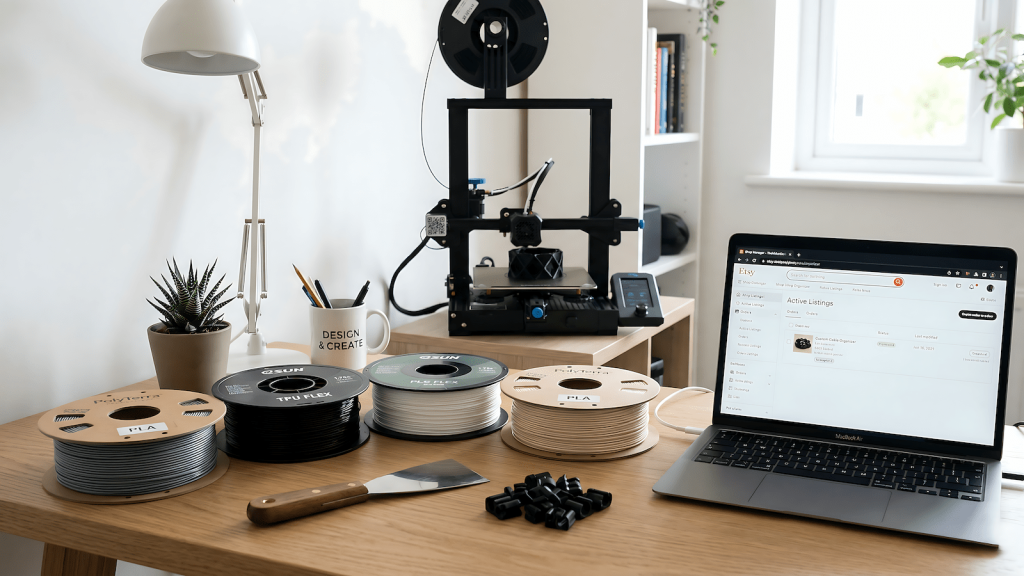
| Filament | 8 spools in different colors | 2 to 3 spools max, specific to your product type |
| Design software | Paid subscription before they know how to use it | Free tier (Tinkercad or Fusion 360 free) |
| Courses | Three courses at once | One focused beginner course, then practice |
| Tools | Full finishing kit upfront | Basic set: spatula, cutters, sandpaper |
The pattern is always the same. Front-loaded spending before any product is validated. The machine sits idle because the operator ran out of momentum before the first sale.
Spend less upfront. Validate one product. Then reinvest.
Filament Is Not One-Size-Fits-All
This is where most beginners silently bleed money. They buy PLA because it is the cheapest and most available, then wonder why their cable clips snap or their flexible parts crack.
Different products need different materials. Here is the working reference:
| Product Type | Recommended Filament | Why |
|---|---|---|
| Cable clips, desk organizers, rigid mounts | PLA or PETG | Stiff, holds shape, easy to print cleanly |
| Cable ties, flexible grips, wearable hooks | TPU | Flexible, does not snap under pressure |
| Outdoor or heat-exposed parts | PETG or ASA | Handles temperature and moisture better than PLA |
| Replacement parts, functional hardware | PETG | Balance of durability and printability |
| Decorative or display items | PLA | Smooth finish, easy to sand and paint |
Getting this wrong does not just waste filament. It produces products that fail in the customer’s hands, which means refunds, bad reviews, and a dead listing.
Starter recommendation: one spool of PLA for rigid desk utility products. One spool of TPU if you are going into flexible cable management. That is it until you validate.
The Two Product Categories That Actually Work
Forget the character models. Forget the phone stands everyone is already selling. The products that earn consistently fall into two buckets.
Bucket 1: Universal Workspace Utility
These are the cable clips, monitor risers, headset hooks, under-desk mounts, and cord management rails that remote workers in every country need. The pain point is identical whether the buyer is in Austin, Amsterdam, or Auckland.
These products travel well. They are small, lightweight, and cheap to ship internationally. They do not require explanation because the problem is visible the moment someone looks at their desk.
This is your volume play.
Bucket 2: The Discovery Product
This is the more interesting category and the one almost nobody talks about.
A replacement pan handle. A snapped bracket on a monitor arm. A broken hinge on a cabinet that the manufacturer no longer sells parts for. A custom clip for a specific headphone model.
Nobody is actively searching for “replacement handle for Tefal pan model 2019.” But when someone finds it after three days of looking, they buy it without hesitation. No price resistance. No comparison shopping. Because nothing else exists.
These products have near-zero competition and near-perfect conversion when the right buyer finds them.
This is your long-tail, high-margin play.
Design Tools: What to Use and What to Skip
You do not need to start with complex CAD software. You need to start with the tool that gets you from idea to printable file the fastest.
| Tool | Best For | Cost |
|---|---|---|
| Tinkercad | Complete beginners, simple geometric shapes | Free |
| Fusion 360 | Precision parts, functional hardware, anything with tolerances | Free for personal use |
| Blender | Organic shapes, artistic models, characters | Free |
| Bambu Studio / Cura | Slicing your model before printing | Free |
Start with Tinkercad for your first five designs. Move to Fusion 360 once you are building parts that need exact measurements. Skip Blender until you know you are going into sculpted or decorative products.
For structured learning that actually gets you productive faster:
| Resource | What It Covers | Get It |
|---|---|---|
| 3D Printing Beginner Guide | Full overview of hardware, filament, and first prints | Amazon |
| Tinkercad or Fusion 360 Books | Design fundamentals for functional products | Amazon |
The Finishing Work Nobody Budgets Time For
Printing is not the end of the process. Depending on the product, you will also spend time on support removal, sanding, painting or coating, and a final quality check before anything ships. Support removal cleans up the print after it comes off the bed. Sanding matters especially if the product will be painted or needs a smooth surface. Painting or coating adds perceived value significantly, and products that look hand-finished sell at higher prices and get better reviews than raw prints.
This is light manufacturing. Budget time for it.
Honest Startup Budget Breakdown
| Category | Product | Notes |
|---|---|---|
| Printer | Beginner Precision 3D Printer | Mid-range. Not the cheapest, not the flagship |
| PLA Filament (1kg) | PLA Filament 1kg | Start with one color. Validate first |
| TPU Filament (1kg) | TPU Filament 1kg | Only if your first product needs flexibility |
| Finishing Tools | Basic Finishing Tool Set | Spatula, flush cutters, sandpaper set |
| Course or Book | 3D Printing Beginner Guide | One resource. Not three |
The point is not to spend as little as possible. The point is to spend in the right sequence.
Where to Sell and Why International First
Etsy is the primary platform for handmade and custom physical products. For 3D printed items, it remains the most buyer-friendly destination with the most search intent already built in. But it is not the only option, eBay works well for replacement parts where buyers are searching for something specific, and Amazon Handmade opens a larger audience once your shop has traction.
The international angle matters beyond just reach. Positioning your products as available internationally signals quality and legitimacy. Build the international listing first. Local demand follows credibility.
A few things that matter regardless of which platform you use: clean product photography against a neutral background, accurate material descriptions, clear sizing and fit information for functional parts, and response time under 24 hours in the first weeks while your shop builds history.
The One Question Worth Asking Before You Buy Anything
Before you order a printer, ask yourself: what is the one specific product I want to make and sell first?
Not a category. Not a vibe. One product.
If you can name it, describe who needs it, and explain why nobody else is selling it well, you are ready to spend. If you cannot answer that question yet, spend more time on product research and less time on hardware specs.
The machine is just the tool. The thinking is what earns.
If you are still evaluating whether 3D printing is the right side income path for your setup, start with the full reality check: Can You Make Money With a 3D Printer From Home?